
A Visa card from crypto, but the fine print is thin
 Available in US
Blonix is a crypto-linked Visa card: you load it from a wallet, spend it like an ordinary payment card, and it works in Apple Pay and Google Pay. On the surface it does the job cleanly. Underneath, the public pages are unusually quiet — no fee schedule, no named issuer, no licence numbers, a card availability claim that was never re-verified, and a single one-star App Store review reporting lost funds. That gap between the clean product story and the thin disclosure is the whole story of this review.
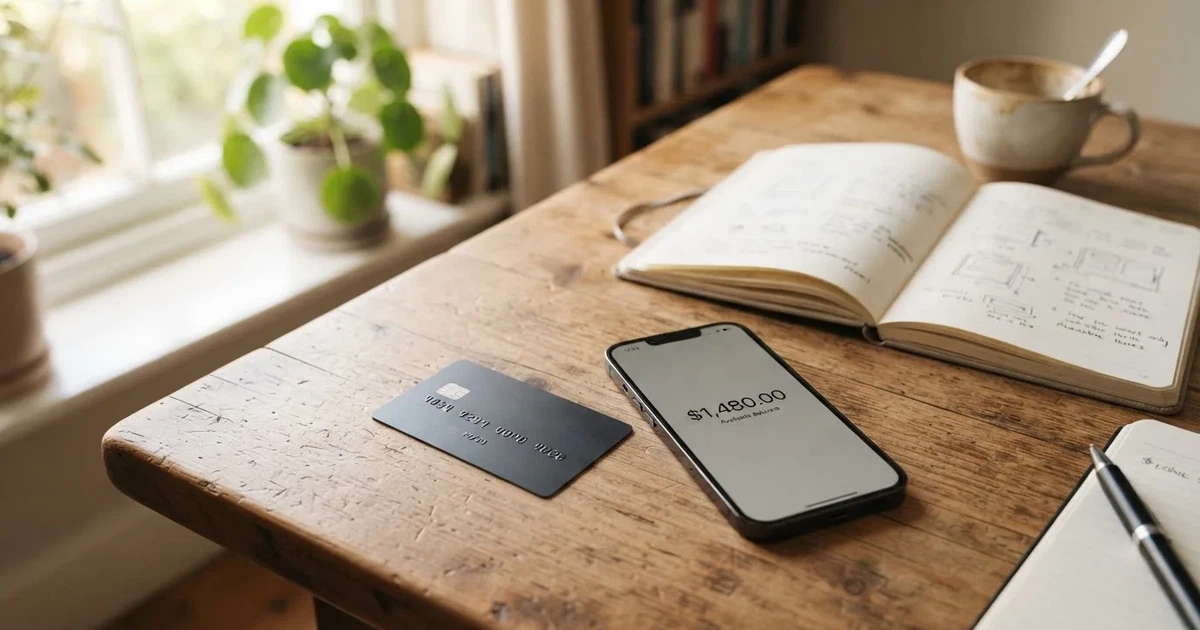
I’m giving Blonix 5.7 / 10. It is not a scam verdict and not an endorsement. It is a “know what you’re agreeing to” verdict. The card’s everyday mechanics are genuinely good. The paperwork around it is not.
The conditions described here are current as of October 28, 2026.
Who this suits: someone who already holds stablecoins, wants a Visa number rather than a bare crypto address, and wants to tap in Apple Pay or Google Pay without fuss. Who it does not suit: anyone who needs to know the exact cost of a coffee before they buy it, anyone in a country where card availability is uncertain, and anyone whose first question is “who is the regulated bank behind this?” — because Blonix does not say.
The score, criterion by criterion
I break the score into the same six criteria I use for any card, so you can see exactly where the number comes from and disagree with me where you want.
| Criterion | Mark | Why |
|---|---|---|
| Who can get it | 6 / 10 | Accounts worldwide, card availability depends on jurisdiction — the list was not re-verified |
| Cost | 5 / 10 | Fees and issuance cost not disclosed |
| Top-up options | 6 / 10 | Stablecoins or local currency; starting data lists USDT, USDC, BTC, ETH, SOL; the developer’s own reply says USDT on BNB Smart Chain and TRON only |
| Reliability and complaints | 4 / 10 | Operator is Blonix Technologies Limited; issuer and licences not named; one App Store review at one star about lost funds; custody by Fireblocks |
| Everyday use | 8 / 10 | Visa, ATMs worldwide, Apple Pay and Google Pay, two card formats |
| Total | 5.7 / 10 | A usable card wrapped in incomplete disclosure |
The two highest marks and the two lowest sit side by side, and that is the honest summary. Paying with it looks easy. Trusting it with money is where the questions pile up.
Will they give you the card
The starting position is encouraging: accounts are opened worldwide, and card availability varies by jurisdiction. That is what Blonix’s own materials say. Here is the catch — that list was not re-verified against a country-by-country source I could read. “Varies by jurisdiction” is doing a lot of quiet work in that sentence. It could mean almost everywhere except a short list, or it could mean a long list of exclusions.
So if you are outside the US, the UK or the EU and a plain bank card has been refused to you before, this is exactly the card to ask about — but ask, and get the answer in writing, before you move any funds. Nationality and country of address are not the same thing in this industry’s screening, and I would not assume that a country where you live is a country where the card will be issued to you.
The KYC route is Jumio and Sumsub, usually clearing in under five minutes, and the App Store text describes identity verification at signup. That is a normal, familiar stack. It also means the application is tied to automated identity screening, which is where a mismatch between your documents, your address and your phone can stop you without a human explaining why. If the automatic check declines you, expect to deal with support, and support hours and channels are not stated on the pages I read.
How to get it
The mechanics are ordinary. You download the app — on iOS it is listed as “Blonix: Crypto Card”, version 1.0.16, updated 17 October 2026, and on Google Play the “BLONIX” listing shows 10K+ downloads — you register, you pass the Jumio or Sumsub identity check, and the card arrives in one of two formats. The App Store text calls them virtual and physical crypto cards. That is the whole flow.
What I could not find, anywhere on the public pages, is the delivery story. How long the physical card takes, whether shipping is charged, and what happens if it arrives at the wrong address — none of it is stated. The KYC tier structure is also not stated: whether limits rise as you verify more, or whether everyone gets the same ceiling, is undefined.
None of that is disqualifying. It does mean that when you sign up, the terms inside the app are the first real terms you will read, and they will contain more than the store listing did.
Fees: what it really costs
This is where my marks drop hardest, and I want to be blunt about why. Blonix does not publish a fee schedule. Not a partial one, not an example. The costs table below is mostly empty, and that emptiness is the finding, not a formatting problem.

| Fee or limit | What Blonix states |
|---|---|
| Card issuance | not stated |
| Monthly fee | not stated |
| Crypto-to-fiat conversion | not stated |
| Foreign exchange (FX) | not stated |
| ATM fees and allowance | ATMs worldwide; fees and allowance not stated |
| Daily spending limit | not stated |
| Monthly spending limit | not stated |
| Card currency | not stated; the balance is converted at the moment of payment, for example USDC to USD |
Read that table again. Every number is missing. You are being asked to accept a card whose cost structure is, on the public record, undefined.
Let me walk through three everyday payments, so you can feel what that undefined means in practice.
A coffee you pay in your own currency. You hold USDC. The card converts your balance at the moment of payment — the card states this — and charges you in whatever currency the shop’s terminal asks for. So two fees stack invisibly: the crypto-to-fiat conversion, and the FX conversion if you are not paying in dollars. Neither percentage is disclosed. If the conversion fee is even one percent, a four-dollar coffee costs you four cents more than the sticker price, and you had no way to know. I am not estimating your specific cost; I am showing you where the cost lives.
An online subscription. You tap the card in Apple Pay or Google Pay, the merchant charges in their own currency, and your balance converts again. 3-D Secure may add a one-time code step. The merchant category matters too: gambling (MCC 7995) and similar categories are commonly blocked on crypto cards by issuer policy, and Blonix’s blocked categories are not stated. If your subscription renews quietly from a balance you did not top up, the decline will simply happen.
A cash withdrawal abroad. The card works at ATMs worldwide. Whether the ATM operator, the issuer, or both take a fee, and what your daily withdrawal allowance is, are both not stated. This is the category where undisclosed fees hurt most, because a single foreign ATM can charge on three fronts.
My advice is blunt and unglamorous: before you rely on this card, work out the conversion rate you are actually getting on one small payment, and compare it to what your own exchange or bank charges. If the card’s cost is not disclosed, the only way to know it is to measure it yourself.
How to Top up the balance
Blonix works by loading a wallet with stablecoins or local currency, then spending that balance. The starting data names five assets you might load: USDT, USDC, BTC, ETH, SOL. That is a generous list.
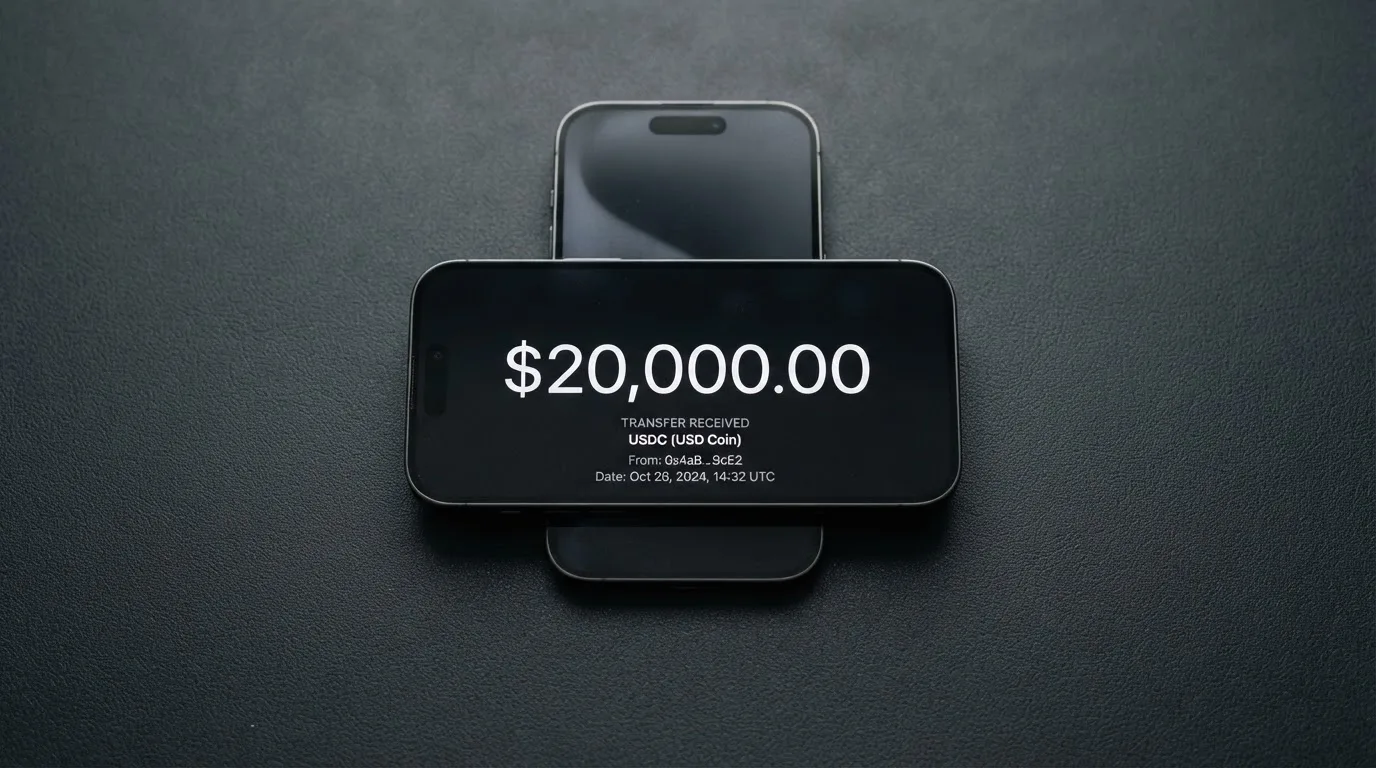
Then the developer’s own reply in the App Store reviews narrows it sharply: deposits are currently limited to USDT on BNB Smart Chain (BEP-20) and TRON (TRC-20), and Bitcoin is not supported. The sources disagree with each other. That disagreement is the single most important thing to know before you send anything, because the networks here are not interchangeable.
Sending on the wrong network is how people lose money. A transfer is irreversible. If you send USDT to an address expecting Ethereum, or pick a network the card provider does not support, the funds can be gone or can need manual support recovery with no guarantee. It costs you nothing to confirm the exact network and address in the app before you confirm a transfer. Do that every time.
Two more things to keep in mind. Network fees — gas or bandwidth — are charged by the blockchain for your deposit, not by Blonix, so that cost exists regardless. And USDC over TRON, which people assume is a normal pairing, is not a native option, because Circle stopped supporting USDC on Tron in February 2024. If your holdings are USDC on Tron, that is not the shortcut it looks like.
Withdrawal rules and top-up limits are not stated. Treat “how do I get money back out” as an open question to answer in the app before you deposit more than you would mind losing.
Paying with it every day
This is where Blonix is genuinely good, and it is why the score is not lower.
It is a Visa card. Visa is the network most merchants, most terminals and most online checkouts already accept. It works at ATMs worldwide. It goes into Apple Pay and Google Pay, which is where most daily spending quietly happens — you tap, and you never handle a plastic card. And there are two formats, virtual and physical, so you can hold one in your phone and keep another as a backup.
The app itself is thin but present: a version 1.0 app on iOS with a single rating, and a Google Play listing with 10K+ downloads and no star rating shown. A young app, not a mature one. If you are the kind of person who wants a polished dashboard, spending analytics and reward tiers, note that rewards are not stated and neither are blocked merchant categories — so there may be categories that surprise you at the till.
Disputes are not stated either. If a charge goes wrong, whether you can charge it back and how, is not something the public pages commit to. That is worth weighing alongside everything below.
What can go wrong
The most important thing I can tell you is not about fees. It is about who stands behind the card.
Blonix Technologies Limited is the App Store seller. The listing says services are provided “in partnership with regulated financial institutions” — but it does not name the issuer, the country, or the licences. That is the core risk in this review. Behind a Visa card there is normally a licensed bank or e-money institution you can identify and, in a crisis, complain to. Here that name is not on the page.
Why does the issuer matter so much? Because a card is not just a product, it is an agreement with someone. In the EU, an electronic money institution must safeguard customer funds and must be licensed. A prepaid card draws on a stored balance, and yours is safeguarded by whoever issued it — not by Visa, and not by the crypto brand. Visa licenses issuers and can suspend a programme; it has done so before, ending the FTX US debit card in November 2022 and, back in 2018, suspending WaveCrest in Europe and closing its programmes. A programme can end. When it does, the pattern is: loading stops, spending stops, and you are asked to withdraw what is left.
Here is the complaint picture, in full. There is one App Store review, one star, and it reports a loss of funds. The developer replied that it could not verify the report and asked the user to contact support. One review is not a pattern — but with one rating total, it is also the entire record of what users have said in public. There was no Trustpilot page to check. Support itself is thin: the developer’s reply asks you to contact the team with your registered email, the app is English only, and hours and channels are not stated.
On custody, there is a genuine bright spot. Funds are held by Fireblocks using multi-party computation, and the app advertises spending controls, real-time transaction monitoring and fraud protection. That is a serious, well-known custodian. It does not, however, change the earlier point: holding your money with a custodian is trusting that custodian, and crypto transfers are irreversible with no built-in recovery if a key is compromised. The sector’s history — Mt. Gox, Coincheck, Ronin — is a reminder that custodial balances carry counterparty risk.
The stablecoins themselves carry their own risk. They aim to be stable, but they are not always: USDC briefly lost its peg in March 2023, and TerraUSD collapsed outright in May 2022. A stablecoin depeg shows up directly as a loss on your card balance.
Set against all this, remember what a card is for. It converts and spends a stored balance; in the pre-loaded model the card cannot overdraw. And the costs of running one are normal: gas for your deposit, a possible FX spread, and a declined payment that can leave a hold on your funds for several days.
If a card like this is your route to spending, the responsible posture is: keep only what you need on the card at a time, keep the bulk of your funds in a wallet you control, and never treat a card balance as savings.
What to take instead
If Blonix’s silence on fees and issuer is the thing that stops you, there are three alternatives I looked at. I do not claim any of them is safe — each carries its own gaps — but each discloses more, which is itself worth something.
| Card | Score | Disclosed pricing | Networks and card notes |
|---|---|---|---|
| Cardex | 5.6 / 10 | Real-time crypto-to-fiat conversion at payment; an “AI-Powered Conversion Rate” is claimed, but no fee percentage is stated | Debit card on VERVE, Visa, Mastercard and UnionPay; virtual and physical; 200+ countries claimed; listing is Naira-focused |
| TakeCard | 5.5 / 10 | Virtual USD 5; physical (Bolivia) USD 20 issuance + USD 20 shipping (one article says USD 10 — conflicting); 1% per purchase; other currencies at the day’s Visa rate | Virtual immediately, physical Bolivia only; Visa; prepaid; USD 1:1; top up from the Takenos balance |
| OkiCard | 6.0 / 10 | Issuance and monthly USD 0 on the pricing page, but a starting price of USD 15 and a one-time issuance fee are also mentioned (pages disagree); load fee 3%; USD transaction fee 0%; initial deposit 100 USDT | Virtual; Visa/Mastercard; 150+ countries (some pages say 200+); USDT on BSC, Ethereum, Tron and Solana |
Read the OkiCard row closely. It is the only one of the four with a published fee percentage, a zero monthly fee and a named set of deposit networks — and it still shows the industry’s habit of pages disagreeing with each other about the price. That tells you something about the category, not just about one card.
TakeCard is the most transparent on purchase cost — a clear 1% — but its physical card is Bolivia-only, so for most readers it is the virtual card or nothing. Cardex claims the widest reach but tells you the least about what a payment costs. OkiCard’s 3% load fee is the one figure you can actually plan around.
My read: if the deciding factor for you is knowing what you pay, OkiCard publishes the most; if it is reach, Cardex claims it; if it is a flat, stated purchase commission, TakeCard. Blonix publishes neither, which is why it lands mid-pack on score despite being the one I would most want to see documented properly.
Who I would recommend it to
I would recommend Blonix to someone in this specific position: you already hold stablecoins, a normal bank card has been awkward or unavailable to you, and what you need is a Visa number that taps in Apple Pay and Google Pay, not a product tour. For that person, the card does the job it advertises.
I would hold off if any of these are true of you: you need the exact cost of a transaction before you make it; you are in a jurisdiction whose card availability Blonix has not confirmed; your priority is a named, licensed issuer you can hold accountable; or you are planning to keep a meaningful balance on the card long-term. In each of those cases, an alternative that publishes its fees — OkiCard most of all — serves you better, or serves you at all.
The verdict in one line: a well-built card with a well-built product, attached to a company that has not yet earned the benefit of the doubt on disclosure. Watch for the missing fee schedule and the unnamed issuer; when those appear, this score moves. Until then, use it lightly.
Frequently asked questions
What is the Blonix card?
Blonix is a crypto-linked Visa payment card. You load a wallet with stablecoins or local currency and spend that balance as an ordinary card, in stores, online and at ATMs worldwide. It comes in virtual and physical formats and works in Apple Pay and Google Pay. It is a spending tool, not a bank account and not a place to keep savings.
How does the Blonix card work?
Your balance is converted to fiat at the moment of payment, for example USDC to USD, and the Visa network processes the purchase like any other card. Blonix’s own model is close to a prepaid card: you load funds first, and the card spends only what is loaded, so it cannot overdraw. The card currency is not stated, so payments are made in the merchant’s own currency.
Is Blonix a bank?
No — Blonix Technologies Limited is the operator, and the App Store listing says services are provided “in partnership with regulated financial institutions”. But the issuer, its country and its licences are not named on the pages I could read. That matters, because the issuer is the party that safeguards your balance and handles disputes. Blonix itself is not a deposit-taking bank.
Who owns Blonix?
The App Store seller is Blonix Technologies Limited. Beyond that, ownership is not detailed on the public pages. Funds are said to be held in custody by Fireblocks, which is a custodian, not an owner — it safeguards the assets on the platform’s behalf. If knowing who ultimately stands behind the balance matters to you, ask support directly.
Is the Blonix card available in my country?
Blonix states that accounts are worldwide and that card availability varies by jurisdiction — but that country list was not re-verified against a source I could read. So the honest answer is: probably, but check for your specific country before you rely on it. Country of residence and nationality are screened separately in this industry, so being in a supported country may not be sufficient on its own.
Does the Blonix card require KYC?
Yes. Signup involves identity verification, performed through Jumio and Sumsub, usually in under five minutes. This is standard for regulated businesses under anti-money-laundering rules, which require identity checks, sanctions screening and ongoing monitoring. If the automated check cannot be completed, the application can be declined or paused pending documents.
How do I top up the Blonix card?
You send funds to the Blonix wallet. The starting data names USDT, USDC, BTC, ETH and SOL, but the developer’s own reply in the App Store says deposits are currently limited to USDT on BNB Smart Chain (BEP-20) and TRON (TRC-20), with Bitcoin not supported. The sources disagree — confirm the exact asset and network in the app before every transfer, because blockchain sends are irreversible.
What does it cost to use the Blonix card?
Blonix does not publish its fee schedule, so I cannot give you a figure. Issuance, monthly, conversion and FX fees are all not stated, as are ATM fees and spending limits. On-chain network fees for your deposit are charged by the blockchain, not Blonix. The only way to know your real cost is to make one small payment and compare the rate you get against your own exchange or bank.
Is the Blonix card safe?
It has real safeguards — custody by Fireblocks, spending controls, real-time transaction monitoring and fraud protection — but it also has real unknowns. The issuer and licences are not named, and there is one one-star App Store review reporting a loss of funds, which the developer could not verify. Crypto transfers are irreversible with no built-in recovery. Treat the card balance as spendable funds, not savings.
Is the Blonix card worth it?
For someone who already holds stablecoins and wants a Visa that taps in Apple Pay and Google Pay, the everyday mechanics are good — that is why everyday use scores well. But with no fee schedule and no named issuer, you are choosing on trust rather than on information. If you compare, OkiCard at least publishes a load fee and monthly cost, and TakeCard states a flat purchase commission. Blonix publishes neither.
Virtual card options – cryptocardoptions.com
Content created by the «cryptocardoptions.com» team