
A virtual USD card with a free first issue, no ATM, and a thin safety net
 Available in US
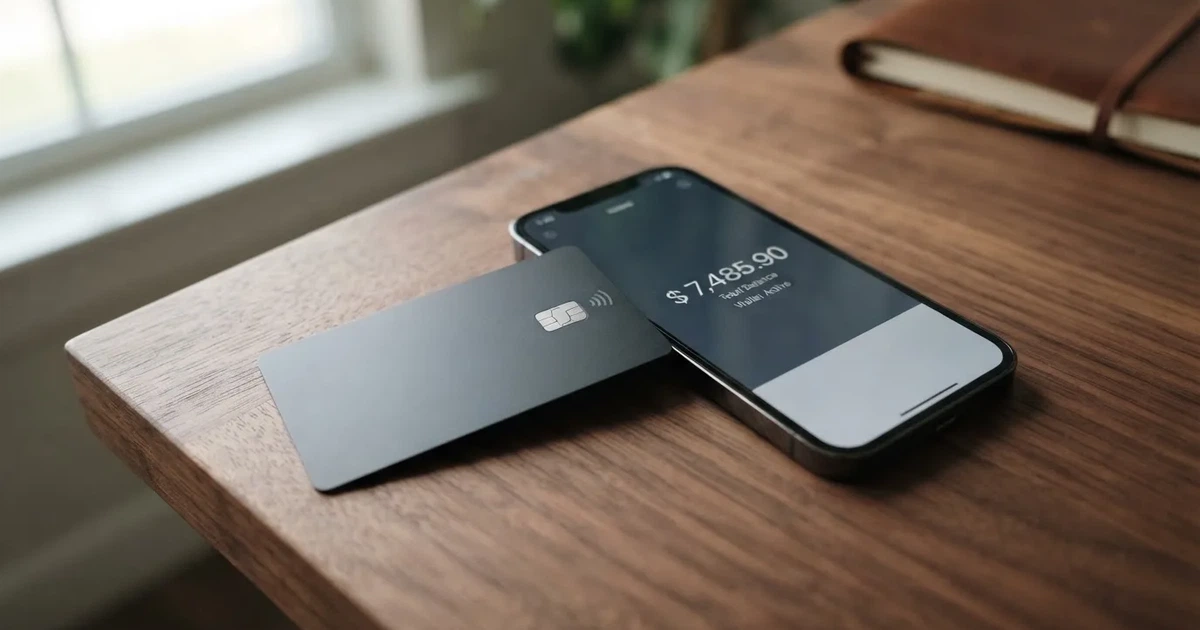
Onboard is a virtual card you load with crypto and spend like an ordinary Visa, mostly aimed at people who pay across borders for work. It is not a bank, there is no plastic to arrive in the post, and there is no cash machine. My score for it is 6.5 out of 10 — genuinely cheap for the person who spends in dollars and nothing special for everyone else.
The conditions described here are current as of October 28, 2026.
If you came here looking for a card you can hold, Onboard is the wrong product on day one. If you came for a dollar-denominated virtual Visa that converts a stablecoin balance at a stated rate, it does a competent job with a free first issue.
Verdict: 6.5 out of 10
The number is not close to a strong product because the balance of the card is uneven. Where Onboard is good — first card free, dollar payments free, a range of local-bank funding routes — it is very good. Where people usually rely on a card — cash, a plastic card in a wallet, a named issuing bank, a reliable dispute process — it is thin or silent.
| Criterion | Mark | Why |
|---|---|---|
| Who can get it | 8 / 10 | Verification is closed in a long published list of countries (the United States is on it); most of the world is open, but in Turkey, Israel, India and several others only the Classic card is available |
| Cost | 6 / 10 | The first Flex card is free, the next ones $2; dollar payments are free, other currencies $0.30 + 1.5%; funding costs 1.25% |
| Top-up options | 8 / 10 | USDT and USDC on a chosen network, with Tron and Ethereum named, plus bank transfer in NGN, IDR, KES; there is also an article on BTC and SOL |
| Reliability and complaints | 5 / 10 | A platform, not a bank: the partners are Gopay Financial Services (FINTRAC) and Onboard Digital (FinCEN); no issuing bank is named; Trustpilot shows 2.6 out of 5 from 4 reviews |
| Everyday use | 5 / 10 | Virtual Visa only; Apple Pay and Google Pay work; no ATM information and no physical card |
Who this suits: someone with a stable income paid in crypto or stablecoins who spends mainly in dollars, mostly online or in app stores, who wants a free first card and does not need cash. Who it does not suit: anyone who needs a physical card, cash withdrawals, a named bank behind the card, or predictable access when support is slow.
Will they give you the card
Short answer: most likely yes, unless you live in one of a long list of countries — and if you are in a handful of others, you get the cheaper-tier card instead of the one I am reviewing.
Onboard describes itself as “built for professionals who spend across borders” and as something you “spend globally”. That marketing line is the whole pitch: a professional whose money arrives in crypto and who needs to behave like a normal cardholder at the other end.
The important thing for you is the country list, because it is published and it is long. Verification, and therefore any Onboard feature including cards, is not available in: Afghanistan, Algeria, Belarus, Burundi, Central African Republic, China, Comoros, Congo (DR), Congo (Republic), Cuba, Gambia, Iran, Iraq, Kyrgyzstan, Lebanon, Liberia, Libya, Maldives, Myanmar, Nicaragua, North Korea, Russia, Sao Tome and Principe, Serbia, Somalia, South Sudan, Sudan, Suriname, Svalbard and Jan Mayen, Syria, Tajikistan, Togo, Tokelau, Turkmenistan, Ukraine, United States, Uzbekistan, Venezuela, Wallis and Futuna, Yemen, Zimbabwe.
Note what that list contains. The United States is on it. Russia, Belarus, Serbia and Ukraine are on it. If you are reading this from one of those countries, the product is simply closed to you, and no amount of documentation will change that.
Then there is a second group. In Cyprus, India, Israel, Montenegro, Nepal, North Macedonia, Palestine, Turkey and Vietnam, the Classic card is available but the Flex card is not. So you are not excluded — you get the older, more expensive card (more on fees below).
And a third detail worth knowing: Georgia, Armenia, Kazakhstan and the UAE appear on neither list. That means they are not in the closed group and not in the Classic-only group. It does not promise you anything, but as far as the published information goes, they are treated as open.
One thing the pages do not say: the age at which you can open an account. Cards of this kind are generally for adults, but I did not find an Onboard statement of a minimum age, and I will not guess at one.
How to get it
You verify, then you create a virtual card. The card’s own wording is that you can “verify your account in minutes – free and instant”.
The path runs through the app: open it, verify, create a virtual Flex Card. There is no application form, no credit check and no waiting for anything to be posted to you — the card is virtual, so there is nothing to post.
What verification actually asks for is specific. You confirm a phone number by SMS or WhatsApp code. You give your address. You upload a photo of a passport, a national ID card or a driver’s licence, and you take a live selfie. The accepted documents depend on the country you select at signup. Onboard says this “usually finishes within seconds”, though some applications go to manual review and take longer.
Note when you are prompted: the pages say KYC is raised when you fund, withdraw, trade, or create a card. So “sign up” is not one gate you pass once — the checks are tied to the moments you use money.
The documents, the proof-of-address standard and the age requirement are not stated on the pages I read. A help article on identity verification exists, but I did not read it, so I am not going to paraphrase it for you.
What you end up holding is a virtual card. The help centre calls them “virtual Visa cards”. Its currency is the dollar, which is why the non-dollar fee column below exists at all.
Fees: what it really costs
The headline number that attracts people is that your first card is free. After that each card creation costs $2. No monthly or annual fee is stated. Then the everyday numbers start.
| Fee or limit | Flex card | Classic card |
|---|---|---|
| Card creation | First card free, then $2 each | Separate fee schedule, not stated on the pages read |
| Paying in USD | Free | — |
| Paying in another currency, or cross-border USD | $0.30 + 1.5% | $0.50 + 2.5% |
| Funding | 1.25% | 1.5% |
| Decline charge | None stated | $0.32 international, $0.02 domestic |
| Daily limit | $5,000 | — |
| Monthly limit | $20,000 | — |
| ATM | Not stated | Not stated |
Three everyday payments, so the percentages land somewhere real.
A $20 subscription in dollars costs $20. Nothing is added. This is the case that makes Onboard look cheap.
A €18 dinner in Berlin costs 18 + $0.30 + 1.5%. The fee exists because the payment is not in the card’s own currency. I am not doing the arithmetic for you here — the point is the shape: a fixed 30 cents plus a percentage, which hurts hardest on small payments and barely registers on large ones.
A $900 software invoice from a client who pays you in dollars, spent in dollars, costs $900 in fees as well. This is where the free-dollar-payment rule does the most work, and it lines up exactly with the “professionals who spend across borders” pitch — as long as the spending currency is the dollar.
What is missing from this table matters as much as what is in it. The crypto conversion rate is not stated: the pages mention fees for “certain actions like funding, currency conversion” without giving amounts. The ATM situation is not stated, because there is no physical card. The split of limits by verification level is not published, though Onboard says higher limits can be requested through support. And the issuing bank is not named.
For contrast, the same page describes a cash balance in dollars, a trading wallet and cards as separate places your money sits. USD and EUR cannot be withdrawn straight from a card — they have to move to the cash balance first, which is one more step before your money is actually yours.
Top up: how the money gets in
You fund from local currency or stablecoins. The specific mechanics are clearer than the marketing page suggests.
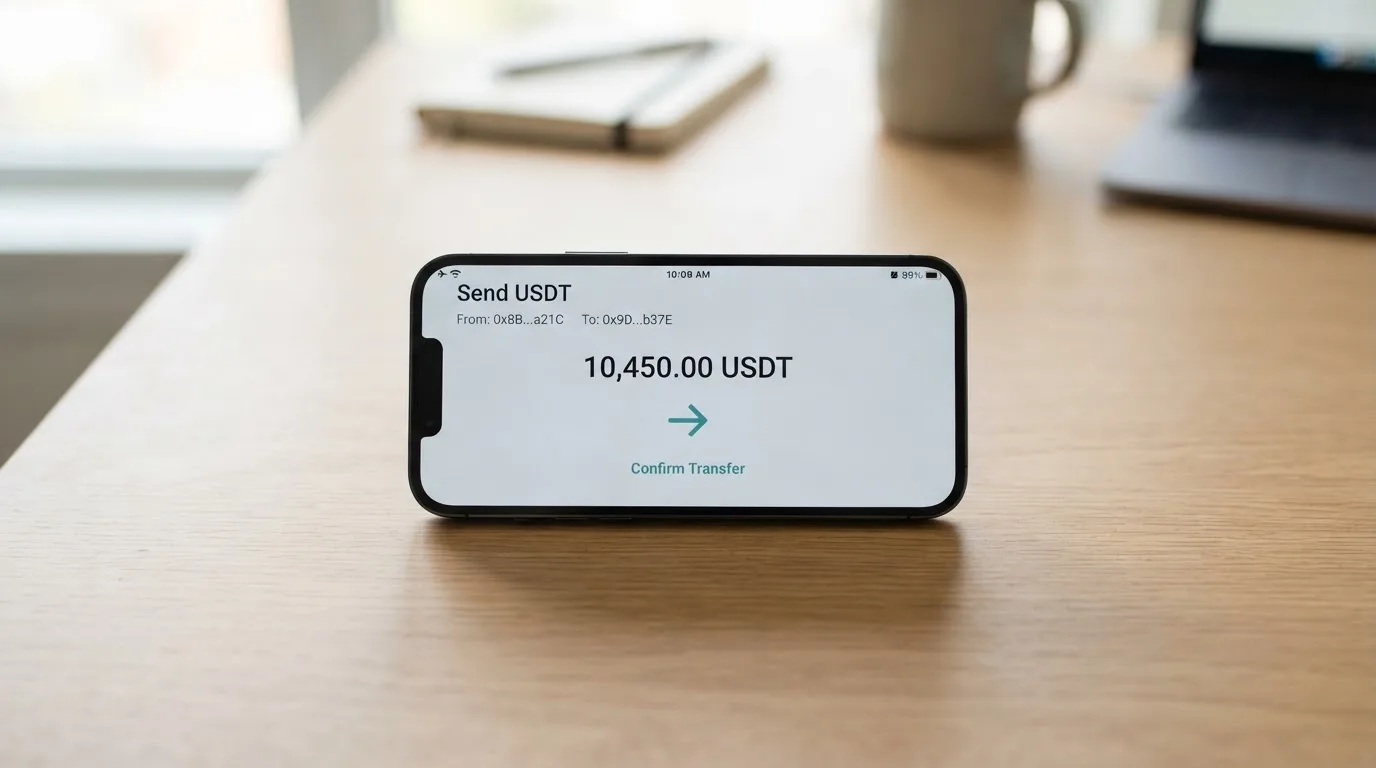
The funding fee is charged per transaction: 1.25% on the Flex card, 1.5% on Classic. The minimum is $1 and the maximum is $5,000 per transaction.
There is a detail that catches people out. Stablecoins are not credited one-to-one — Onboard’s own example is about 1.0125 USDT per $1 on Flex. Some networks also add a base fee that you pay: $1.25 on Tron, $0.10 on Ethereum. So the amount that lands on the card is slightly less than the amount you sent, by design and by network.
Your routes, as named on the pages:
- USDT and USDC on a network of your choice, with Tron and Ethereum named (taking about 5 minutes)
- Bank transfer in NGN, IDR or KES
- An internal Move from your cash balance, your trading wallet, or another card
- An article exists for BTC, SOL and other crypto — I did not read it, so I am not going to tell you what it says
Taking money off the card is the reverse. Card withdrawals are free, at least $1 must stay on an active card, and you move it to the cash balance, the trading wallet or another card. Out to a bank account, the named currencies are NGN, IDR, KES, UGX, or out to USDT/USDC wallets. USD and EUR cannot leave a card directly.
One more edge case: a refund that arrives after you have terminated the card goes to the cash balance. The help article does not say what happens to a card’s own balance when the card is terminated.
A warning about networks, from the general mechanics rather than from Onboard: blockchain transfers are irreversible. Send on a network the provider does not support, or to an address belonging to a different network, and the money can be gone or reduced to a support ticket with no guarantee. Also note that Circle stopped supporting USDC on Tron in February 2024, so “USDC on TRC20” is not a native option.
Paying with it every day
Day to day, this is a virtual Visa that works in Apple Pay and Google Pay. The card’s own line is that it is “compatible with Apple Pay and Google Pay for in-store payments” — which, in practice, means the phone becomes the wallet.
There is no cashback mentioned anywhere on the pages. There is a referral programme called “Refer & earn”, but I found no stated reward amount and would not plan around it.
Merchant categories are blocked automatically in these groups: money transfer services, cryptocurrency platforms, securities brokers, dating services, massage parlors, telemarketing, government-licensed gambling, and financial services companies. Prohibited outright: unlicensed controlled substances, weapons, gambling, counterfeit goods, Ponzi schemes and pirated media.
Read that first list carefully if you are the person I think you are. Money transfer services and cryptocurrency platforms being blocked means that if your job involves paying one of those from this card, it will not work, and the decline will look like a card problem rather than a policy.
Refunds from merchants come back to the same card and “can take up to 30 days to process after the merchant initiates it”. After 30 days you are told to contact support with the transaction ID, the merchant name and proof of payment. A chargeback procedure is not stated, and neither is an app rating — the app store scores were not read, and a search for them returned only company news.
What can go wrong
This is the section where the card is thinnest, and I would rather you read it before you fund it.
First, there is no bank. Onboard says plainly that it “is a technology platform, not a bank”. Services run through licensed partners: Gopay Financial Services Inc. d/b/a Onboard Pay in Canada (FINTRAC MSB C100000565) and Onboard Digital (FinCEN MSB 31000293152346), a subsidiary of Nestcoin Holding Limited in the BVI. Both of those registrations are money-services-business registrations, which is what the card calls itself. The card-issuing bank or BIN sponsor is not named.
What that means for you: the entity whose name is on your card statement is not the entity that holds your balance, and the bank that ultimately stands behind the card programme is not public. Custody and insurance are not stated.
Second, the complaints picture is thin in both directions. No official complaints material was found. A dedicated search for user reports about the Flex card returned only unrelated brands with similar names — FlexCard and Flex-e-Card — so there is no body of user experience to draw on.
What does exist is the Trustpilot profile for onboard.xyz, which as of my reading showed a TrustScore of 2.6 out of 5 from 4 reviews. Four reviews is not a statistic; it is an anecdote with a decimal point on it. All four were one-star and the profile is unclaimed. The themes: unpaid promo and referral rewards in February 2026, generic support replies between August 2025 and May 2026, slow or difficult verification and restricted services in August 2025 and May 2026, and unclear fees in February 2026.
Read those themes as a list of things to ask about before you rely on this card, not as a verdict. But notice that three of the four touch the same areas I have flagged as thin: fees that are not fully published, a referral programme with no published terms, and support.
Third, security. Onboard gives you the tools a decent platform should: passkeys (which it recommends), a 6-digit passcode, Face ID or Touch ID, a phone one-time code for sensitive actions, and an in-app freeze under Cards, swiping to the card, then more, then Freeze. Two honest caveats on the freeze: pending transactions may still settle, and freezing does not cancel subscriptions — the card keeps being charged until the merchant stops, which is exactly the opposite of what a panic freeze feels like it should do.
Fourth, programme risk, which is not Onboard-specific but applies to every card of this shape. Card programmes do close. Visa terminated its global agreements with FTX on 13 November 2022 and the FTX US debit card was wound down. WaveCrest, a Visa issuer that supplied several crypto card brands, was suspended by Visa in Europe in 2018, closing all its Visa programmes. The usual pattern is a notice period, then spending stops, then you are asked to withdraw what is left. You should hold only what you can afford to wait for.
What to take instead
Three cards from the same shelf, so you can compare rather than take my word.
| Onboard | Cardex | TakeCard | OkiCard | |
|---|---|---|---|---|
| Score | 6.5 | 5.6 | 5.5 | 6.0 |
| Card type | Virtual Visa, USD | Debit crypto card on VERVE, Visa, Mastercard, UnionPay | Virtual card (physical in Bolivia), prepaid, USD | Virtual card, USD/EUR pegged |
| Physical card | No | Yes, per app store listing | Bolivia only | Mentioned, no details |
| Issuance | First Flex free, then $2 | Not stated | Virtual $5; physical $20 plus $20 shipping in one article, $10 in another | $0 and $15 on the pricing page, and a one-time fee in the FAQ — the pages disagree |
| Card payment | USD free; other $0.30 + 1.5% | Real-time conversion, “AI-Powered Conversion Rate”, no percentage published | 1% per purchase | USD transactions 0% |
| Funding | 1.25% | Not stated | Not stated | Load fee 3% |
| Where it fits | Dollars, cross-border professionals | Nigeria-focused listing | Latin America | Wide reach, no geo-blocking on passport |
Cardex says “one crypto card, 200+ countries” with no country list and no exclusions, and its app store listing is Naira-focused — you pay in naira. It converts at the moment of payment using an “AI-Powered Conversion Rate” that scans global exchange rates and picks a best one, but no percentage fee is published, which is the number you would want most.
TakeCard is the one to look at if you are in Latin America. The virtual card costs USD 5, physical cards are for Bolivian users, one article in the same help centre says USD 20 for physical issuance plus USD 20 shipping and another says USD 10 — the centre contradicts itself. The charge is 1% per purchase, and USD payments go 1:1 with no currency adjustment while other currencies use the official Visa rate of the day. Its starting data lists USDC and USDT via Polygon, BNB Chain, Tron or Ethereum into the Takenos account, but that was not verified against a page I could read.
OkiCard scores closest to Onboard and is worth a look if you want something different in shape: “150+ countries” on some pages, “200+” on others, no geo-blocking based on your passport, though you must confirm you are not in a sanctioned jurisdiction. It loads USDT on BSC, Ethereum, Tron and Solana, with USDC “soon” and BTC and altcoins “coming soon”. It charges 3% to load and 0% on dollar transactions, and it claims no hidden exchange spreads — though an FX fee is not stated, and its own pages disagree about whether issuance is free, $15, or a one-time fee. Deposits go to a generated address and are converted to fiat at the moment of spending, with an initial deposit of 100 USDT.
Who I would recommend it to
I would recommend Onboard to someone who already holds dollars or dollar-pegged stablecoins, spends in dollars, pays for software or services online, and wants a virtual card today without a fee for the first one. The pairing with Apple Pay and Google Pay makes it workable day to day. If your money arrives as USDT or USDC and you can keep it in that form, the 1.25% funding fee and free dollar spending are a fair price for convenience.
I would not recommend it to you if any of the following is true. You need cash — there is no ATM information and no physical card. You need to pay at a merchant category that Onboard blocks, particularly a money transfer service or a crypto platform. You live in one of the closed countries, including the United States. You need to know which bank stands behind your card, because that is not published. You are the kind of person who treats customer funds as insured, because custody and insurance are not stated and this is not a bank. Or you plan to lean on referral rewards, because no reward terms are published and one of the four Trustpilot reviews is about unpaid referral rewards.
The generic quality I keep coming back to is silence. The issuing bank, the ATM, the conversion rate, the per-verification-tier limits, the app ratings, the chargeback process — all unstated. None of that is automatically a warning sign; plenty of small platforms simply have thin documentation. But each silence is a question you will be asking support later, at the moment you least want to be emailing anyone.
Frequently asked questions
What is the Onboard card?
Onboard is a virtual Visa card you fund with crypto or local currency and spend like an ordinary payment card. The card is USD-denominated, exists only in virtual form, and is aimed at what the company calls professionals who spend across borders. It is not a bank: services run through licensed partners, Gopay Financial Services in Canada and Onboard Digital.
Is Onboard a bank?
No, and Onboard says so itself — “Onboard is a technology platform, not a bank”. Cards are issued through partners registered as money services businesses with FINTRAC in Canada and FinCEN in the United States. The bank that stands behind the card programme is not named, and custody or insurance of your balance is not stated.
Is Onboard card available in my country?
It depends where you are. Verification is closed in a long published list that includes the United States, Russia, Belarus, Serbia and Ukraine. In Cyprus, India, Israel, Montenegro, Nepal, North Macedonia, Palestine, Turkey and Vietnam, only the Classic card is available. Georgia, Armenia, Kazakhstan and the UAE are on neither list.
How much does an Onboard card cost?
The first Flex card is free and each one after that costs $2. No monthly or annual fee is stated. Paying in USD is free; a payment in another currency, or a cross-border dollar payment, costs $0.30 plus 1.5%. Funding costs 1.25% on Flex and 1.5% on Classic. The Classic card’s payment fee is higher at $0.50 plus 2.5%.
How do I top up the Onboard card?
You send USDT or USDC on a network of your choice — Tron and Ethereum are named — or make a bank transfer in NGN, IDR or KES, or move money internally from your cash balance, trading wallet or another card. The minimum is $1 and the maximum is $5,000 per transaction. Stablecoins are credited at slightly under one-to-one, about 1.0125 USDT per $1 on Flex.
Does Onboard card have an ATM or a physical card?
There is no physical card — the pages describe virtual cards only, and no delivery applies. ATM information is not stated, and there is no ATM article in the help centre. If you need cash, this product cannot tell you how to get it. Budget limits are $5,000 daily and $20,000 monthly, with higher limits available on request.
Can I add the Onboard card to Apple Wallet?
Yes. Onboard states the card is compatible with Apple Pay and Google Pay for in-store payments, and that is how most people will use it day to day since there is no plastic. Tokenised mobile payment numbers are device-specific, which is the safer of the two ways to carry a card.
Is Onboard card safe?
It has the ordinary toolkit: passkeys, a 6-digit passcode, Face ID or Touch ID, a phone code for sensitive actions, and an in-app freeze. Two caveats: a freeze does not cancel subscriptions and pending transactions may still settle. And because this is not a bank, custody and insurance are not stated, so treat the balance as money sitting with a provider rather than as a bank deposit.
Why do people complain about Onboard?
On Trustpilot, onboard.xyz showed 2.6 out of 5 from 4 reviews when I looked, all one-star, with the profile unclaimed. That is too few reviews to be a statistic, but the themes are worth noting: unpaid promo and referral rewards, generic support replies, slow or difficult verification, restricted services, and unclear fees. Separately, no official complaints material was found.
Can I use Onboard card to pay a crypto platform?
Probably not, and this surprises people. Among the automatically blocked categories are money transfer services, cryptocurrency platforms and securities brokers. Also blocked: dating services, massage parlors, telemarketing, government-licensed gambling and financial services companies. If paying one of those is your job, check before you depend on the card.
Virtual card options – cryptocardoptions.com
Content created by the «cryptocardoptions.com» team