
A virtual Visa you top up from USDT inside Telegram, with fees you are not shown until you press confirm
 Available in US
Ape Wallet is a virtual Visa card that lives inside a Telegram bot rather than in a mobile banking app. You load a balance in USDT, and the card spends that balance online or through Apple Pay and Google Pay. There is no physical card, no branch, no banking relationship in the ordinary sense, and no published fee schedule. That combination — genuinely convenient for one narrow use, frustratingly opaque about everything else — is what this review comes down to.
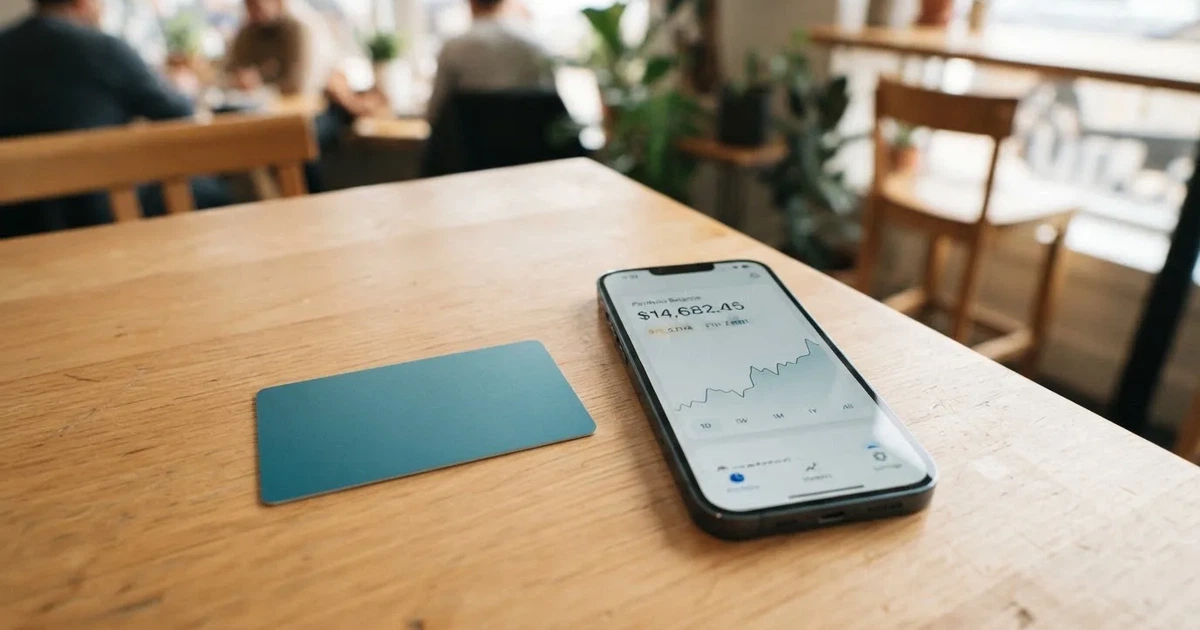
Conditions described here are current as of October 28, 2026.
Verdict: 5.5 out of 10
I scored Ape Wallet 5.5 out of 10. It is a competent tool for a very specific person: someone already living in Telegram, holding USDT, paying for things online where an ordinary bank card is awkward or unavailable. For that person it removes friction. For anyone else — anyone who wants to see a fee schedule before committing, anyone who needs a card that shows up with a legal entity behind it, anyone who needs cash from an ATM — it falls short in ways that are hard to patch later.
| Criterion | Score | Why |
|---|---|---|
| Who can get it | 7 / 10 | No country list is published; the site says the card works “wherever Visa is accepted” and restrictions are not named |
| Cost | 7 / 10 | No official amounts at all; the fee and total appear only before you confirm an operation, and Telegram-username transfers are free — but an unofficial source lists every fee as free while calling the structure opaque |
| Top-up options | 4 / 10 | The balance is in USDT and both issuance and top-ups are paid from it; unofficial reporting says USDT on zkSync Era only |
| Reliability and complaints | 3 / 10 | Only the brand name “Ape Wallet” is given — no legal entity, registration or issuer; reported as custodial; one unofficial rating of 3.7/10 (Poor) citing opaque fees and suspension risk |
| Everyday use | 5 / 10 | Virtual Visa only, in two forms (a service card and an Apple Pay / Google Pay card), issued in about a minute; no ATM |
| Total | 5.5 / 10 | Useful in a narrow lane, thin on disclosure |
The split between the marks is the story. Access is generous and cheap to promise, because a virtual card costs the issuer nothing to print. Everything that depends on trust — the issuer, the custody, the complaint history, the fee table — is where the marks collapse. That is a pattern I see across this category, and Ape Wallet is a sharper example of it than most.
Will they give you the card?
Yes, apparently to anyone who finds the bot — and that is the entire answer, which is itself the problem.
There is no country list. The site says the card works “wherever Visa is accepted”, which is a statement about merchant acceptance, not about who may hold the card. Nothing is said about citizenship versus residence, and no restrictions are named at all. If your question is “can I use Ape Wallet card in *my* country”, the honest answer is that the card’s own pages do not tell you. They tell you where Visa cards are taken, which is a different question.
The focus is clearly on Telegram-native users: SBP payments appear in the withdrawal flow, and the passport verification path uses a Russian passport. The site is in Russian, so Russian is a supported language for support. But “built for Russian users” is not the same as “open to everyone”, and the absence of any written eligibility rule means you cannot check your own situation before committing — you find out at the point where it matters.
One practical note on what makes this card unusual. The issuer behind most cards like this is an e-money institution, and the crypto brand is usually only the front end — a programme manager that markets the card and holds the licence relationship. Here, none of that is named. There is no legal entity, no registration number, no issuing bank in the public material I could find. When you later want to know who is liable for your money, or to file a complaint, or to check whether the programme is regulated where you live, there is no name to type into a regulator’s register. That absence is not proof of a problem, but it is the absence of a check.
How to get it
You get it through a Telegram bot, and you can be spending before you have verified anything at all.
Here is the ladder as the card presents it:
- Register in the bot — top-ups and payments work after registration. No verification needed to start.
- Basic KYC — email address and phone number.
- Passport KYC — a Russian passport and a selfie. This level is what unlocks buying crypto and verified withdrawals.
- Service card — can be issued without an email address at all.
- Apple Pay / Google Pay card — needs an email address and a confirmation code.
So the practical order is: find the bot, register, pay for the card from your wallet balance, and you are live. The catch is that several useful things stay locked behind the passport step, which means you will end up doing passport KYC anyway if you want the card to be more than a novelty. How long it takes is not stated, and neither are the grounds on which an application could be refused — two gaps worth knowing about before you start.
The card itself is virtual: a “service card” for subscriptions and general online payments, and a separate card for Apple Pay and Google Pay. Card currency is not stated. Delivery is not applicable in the usual sense — there is nothing to post, and issuance takes about a minute. Which of the two you should want depends on where you mostly spend: the service card is the one for websites, the mobile-wallet card is the one for shops that take contactless on a phone.
Fees: what it really costs
Officially, this card does not publish a single number. No issuance price, no monthly fee, no conversion percentage, no ATM fee, no daily or monthly spending limits. What the card does offer is a rule: the fee and the total are shown before you confirm any operation. That is better than nothing — you will see what you are paying at the moment you pay it — but it means you cannot compare costs in advance, or budget, or script a check.
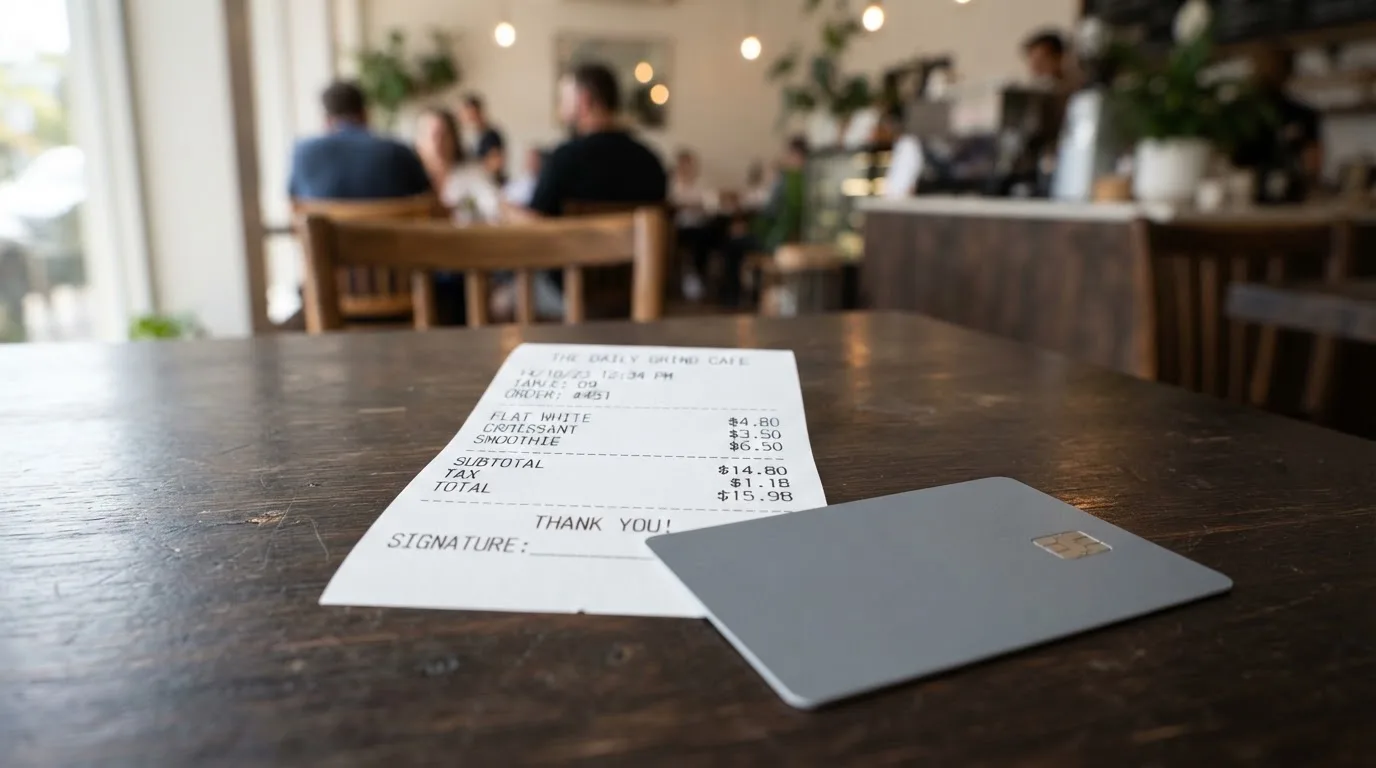
The prices that do exist are all relative. The issuance price is not fixed because promo codes change it, and holders of an active Apple Pay or Google Pay card get a discount on a service card. Transfers to other users by Telegram username carry no fees.
Here is the cost table, with the honest status of each line:
| Fee or limit | What the card says |
|---|---|
| Issuance | Price not stated; varies with promo codes; discount on a service card if you hold an active Apple/Google Pay card |
| Monthly fee | Not stated |
| Conversion | Not stated; the fee and total are shown before confirming each operation |
| FX (currency conversion) | Not stated |
| ATM | Not stated; the card is virtual and there is no ATM function described |
| Decline fee | Not stated |
| Top-up | Paid from the wallet balance in USDT; deposit fee, minimum and who pays the network fee are not stated |
| Transfers to other users by Telegram username | No fees |
| Daily limit | Not stated |
| Monthly limit | Not stated |
| Card currency | Not stated |
| Paid tiers | None stated; two card kinds, not tiers |
An unofficial source (cryptocards.so, 2026) lists every fee as free — monthly, issuance, FX, top-up, decline — and, on the same page, describes the fee structure as opaque. Those two statements sit awkwardly together, and I would not treat that table as established fact. It is not confirmed by the card’s own pages.
Three everyday payments, priced as far as the material allows
I want to walk through what happens with ordinary spending, because “no published fees” means the answer has to be constructed from what *is* stated.
A monthly subscription, say a hosting plan billed in USD. You pay from the USDT balance. The amount that leaves your wallet and the amount the merchant is charged are not the same, and the gap between them — the conversion — is not published. What you know is that you will be shown a fee and a total before you confirm. Read that line. It is the only pricing information you will get, and it is per-operation, not a schedule you can hold against the card.
A purchase in a currency other than the card’s. Two unknown quantities stack here: the conversion rate applied to your USDT and whatever handling of the foreign currency sits on top. Neither is stated. If you are buying in rubles from a balance denominated in USDT, this is where a 5.5 becomes a 6, and you will only find out at the confirmation screen.
Sending money to another Ape Wallet user. This is the one operation the card describes cleanly: by Telegram username, with no fees. If your use case is moving USDT between people rather than spending at shops, that single sentence is the whole cost story — and the rest of this review matters to you much less.
Notice what is absent from all three: daily and monthly spending limits are not stated, ATM fees and limits are not stated, and the card’s currency is not stated. For a card aimed at people who cannot easily get an ordinary bank card, those silence points are not footnotes. Limits are what tell you whether the card can carry the thing you actually need it for — a rent payment, a large transfer, a deposit.
How to Top up
Topping up starts with one asset. The wallet balance is in USDT, and both the issuance of the card and the top-ups themselves are paid from that balance. So the sequence is: get USDT into the wallet, then spend it to load the card.
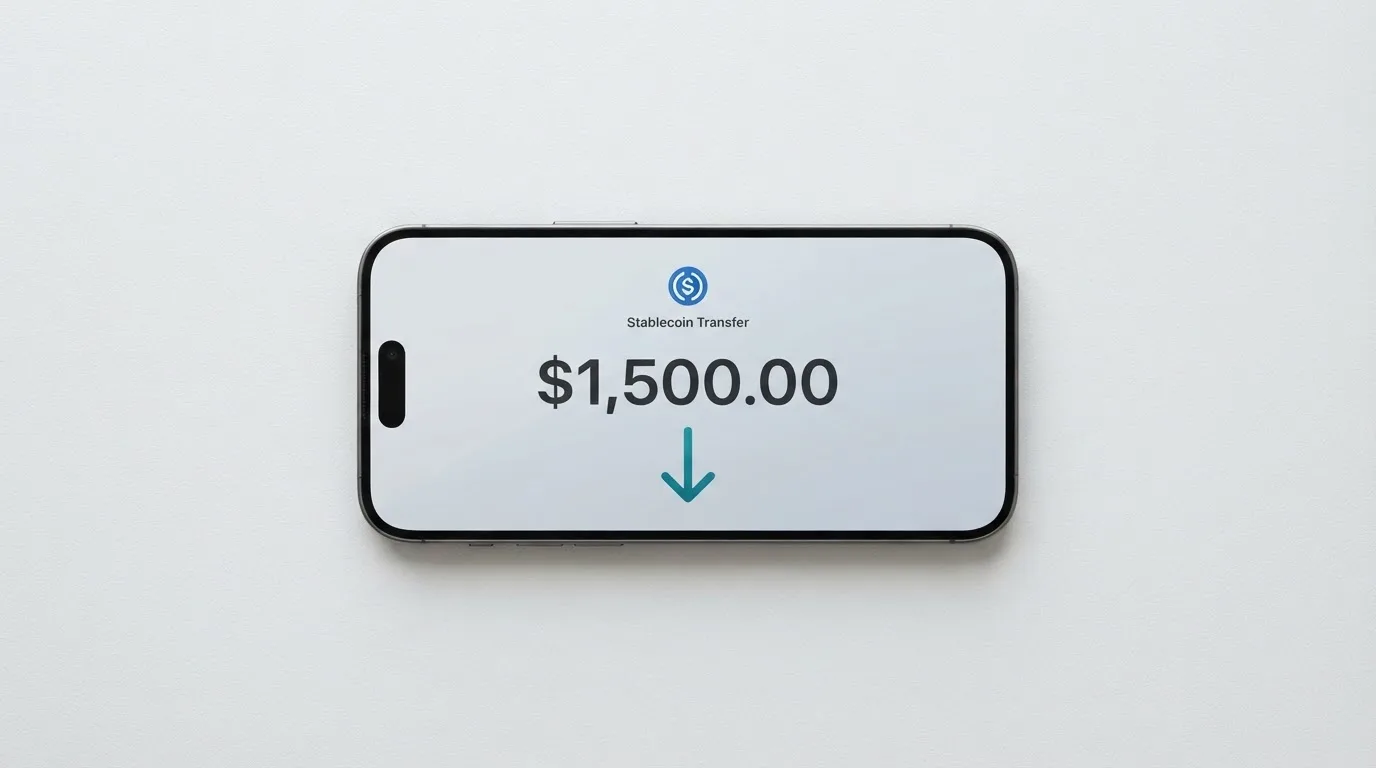
Unofficial reporting (cryptocards.so, 2026) says the accepted asset is USDT on zkSync Era only. If that is right, you have a network to get right before anything works, and a wrong network is not a small mistake. Blockchain transfers are irreversible, so a deposit sent on a network the provider does not support — or to an address belonging to a different network — can simply be lost, or need manual recovery through support with no guarantee of success. Before you send anything, confirm the network.
Not stated, and all of it material: the deposit fee, the minimum top-up, and who pays the on-chain network fee. That last one is worth understanding on its own. Network fees for a deposit are charged by the blockchain, not by the card provider. If you send USDT and nothing arrives, the cause is often that the wallet holding the USDT has no token of that network to pay the fee with — on Ethereum, for example, gas is paid only in ETH, so a wallet with USDT and no ETH cannot send at all.
There is also a withdrawal path, which is the mirror image and matters if you want the money back out. You can withdraw USDT to a bank card or to SBP, with rubles credited; processing is described as immediate, and arrival time depends on the bank. The KYC level changes what you need to provide: with passport KYC, a card number or the SBP name from your passport check; without it, the recipient’s phone or card, their name and their bank. Fees and limits on withdrawals are not stated. I would treat “immediate” as a description of the provider’s processing, not a promise about when the money is usable.
Paying with it every day
The everyday picture is narrow but workable. There are two cards, and between them they cover most online spending and contactless in a shop.
- Apple Pay and Google Pay are supported, through the dedicated card rather than the service card.
- No cashback is stated.
- A referral programme with two levels pays a share of card purchases made by people you invited — no percentages are given, and none should be assumed.
- Blocked merchant categories are not stated.
- Disputes and chargebacks are not stated at all.
- The app is a Telegram bot (t.me/apewallet_web_bot); there is no App Store or Google Play listing.
That last group of silence is worth pausing on. If a payment goes wrong — you were charged twice, the merchant never delivered, someone drained the balance — nothing on the card’s pages tells you what happens next. Chargebacks are a real mechanism: a refund ordered by the issuer to settle a dispute, with reason codes for fraud, duplicate billing or goods not received. But whether this card has one, and how it behaves for prepaid-style products, is genuinely unknown from what is published. Treat your balance as money you can lose, because on the published evidence, that is what it is.
Apple Pay itself is the more robust half of the story, and it is worth knowing why. It replaces your card number with a device-specific number held in the phone’s Secure Element, never on Apple’s servers, and each payment uses a one-time dynamic security code. A card issuer can also restrict that tokenised number — blocking it on magnetic stripe, on phone, or on websites — which is one reason a virtual card can behave differently in a shop than on a website.
Where you shop matters too, in ways specific to this kind of card. A merchant can look at the first six or eight digits of any card number to see which institution and country issued it, and may apply extra scrutiny when the issuer country differs from your billing address. That is why a card issued in one country can look foreign to a shop in another. Some merchants decline prepaid or foreign-issued cards for exactly this reason. Address verification, which compares the numeric parts of the address you type against the issuer’s records, is mainly offered in the US, Canada and the UK and is generally unavailable for foreign-issued cards — which can cause declines on their own.
And because no blocked categories are named, you do not know in advance whether gambling, adult content, or any other MCC-coded category is off-limits on your card. Merchant category codes are a four-digit classification assigned when a business starts accepting cards; many issuers block gambling-related codes by policy rather than by law, and the list varies by issuer. Here, there is no list.
What can go wrong
Nothing has gone publicly wrong that I could find. That is different from nothing having gone wrong.
On official incidents: none found. No Ape Wallet user reviews found, and no Trustpilot page exists. One aggregator (cryptocards.so, 2026) rates it 3.7 out of 10 and labels that “Poor”, citing custodial custody, opaque fees and suspension risk. That is not a regulatory finding and not a confirmed complaint — it is a single third-party view. But combined with the silence around the company, it is the reason this section is not shorter.
The three things that concern me, in order:
Who is actually behind this. Only the brand “Ape Wallet” appears. No legal entity, no registration, no issuing institution is named. In this category the underlying structure is usually an e-money institution licensed to issue cards under Visa’s or Mastercard’s licence, with the crypto brand as a programme manager. You are entitled to know which entity holds your funds and which one answers a complaint. Here, the answer is not published.
Who holds your crypto. Custody is not stated officially; the aggregator describes the card as custodial. If that is right, you are trusting a provider you cannot name with money you cannot withdraw without its cooperation. The category has a poor record here: custodial platforms have failed before — Mt. Gox (about US$350 million reported stolen, 2011-2014), Coincheck (about US$400 million, 2018), Ronin Network (US$625 million, 2022). The structural alternative is a self-custody-linked card where funds stay in your own wallet until the moment of payment, but then key loss, phishing and clipboard-hijacking malware that silently swaps a copied address are entirely your problem. Neither is comfortable; they fail in opposite directions.
Whether the programme survives. Visa and Mastercard do not issue crypto cards to consumers themselves — they license issuers, and they can suspend a programme. Visa said in November 2022 that it had “terminated our global agreements with FTX”, and the FTX US debit card programme was wound down by its issuer. WaveCrest, a Visa card issuer that supplied crypto card brands, was suspended by Visa in Europe in 2018, closing all WaveCrest-issued Visa programmes. Closures are typically orderly — a notice period, then spending and loading stop, then users are asked to withdraw remaining balances — but the money is still in someone else’s hands while it happens.
Then the smaller risks: a declined authorisation can leave a hold on funds for several days, typically up to seven. Freeze controls and two-factor authentication are not stated. Support is a Telegram channel (@apewallet_support) with an email placeholder still unfilled on the page, and hours are not given — so a problem at 3am has no stated answer.
One thing to weigh on the other side: Tether says it disables tokens in wallets on the OFAC sanctions list and has frozen funds tied to illicit activity. Custody that can freeze is a genuine protection against fraud and a genuine risk to you; the same property is both.
What to take instead
If any of the above is disqualifying, the honest answer is that the category has no comfortable alternative — but it has different trade-offs, and three of them are worth comparing on facts rather than on promises.
| MaxSwap | AnoCard | CinCin Crypto Card | Ape Wallet | |
|---|---|---|---|---|
| Score | 5.2 / 10 | 5.9 / 10 | 5.4 / 10 | 5.5 / 10 |
| Card | Virtual only, Mastercard | Virtual cards (VCC), reloadable and one-time, from several BINs, filters in a SORN web dashboard | Virtual card | Virtual Visa, two kinds |
| Issuance | $50 card with a $25 first deposit required (total issuance listed as 77.125 USD) | Not published; creation fee varies by BIN; some products have a maintenance fee; all shown before payment | $25 issuance; minimum to open is $55 | Not stated |
| Top-up | 4.5% + $1 | Not published; depends on the asset route; shown before payment | Not published | Not stated |
| Transaction | 0.25 USD + 0.4% | Not published | Not published; “no hidden fees” | Not stated; fee and total shown before confirmation |
| Assets | Multiple networks, from ADA to XRP | SOL, BTC, USDT, USDC, ETH and more via Telegram bot or web dashboard | Multiple coins, balance is a USDT TRC20 address | Wallet balance in USDT |
| Countries | No geographical restrictions claimed | Not stated; the site was down when checked | Excludes UK, UAE, Japan, US; also Iran, North Korea, Syria, Venezuela, Afghanistan, Belarus, Cuba, Myanmar, Somalia, Ukraine; may add more at any time | No list given |
| Rewards | None stated | $5 per referred card creation, 0.25% of referred top-ups | Not stated | Two-level referral, no percentages |
Two of these are more transparent than Ape Wallet and one is more restricted, which is the trade you are making.
MaxSwap publishes the most usable numbers in this group: $50 for the card, a $25 first deposit required, top-up at 4.5% plus $1, transactions at 0.25 USD plus 0.4%. It accepts the widest list of assets — 23 networks, from ADA and ALGO through to USDT, TRX and XRP. Against that, it says there are no geographical restrictions, which is a claim rather than a rule, and it mentions no separate FX rate, only that you should take possible fees into account when paying and converting.
CinCin Crypto Card is the most transparent about who it will not serve: not offered in the United Kingdom, UAE, Japan or the United States, and restricted in a long named list including Iran, North Korea, Syria, Venezuela, Afghanistan, Belarus, Cuba, Myanmar, Somalia and Ukraine, with FATF-blacklisted and OFAC-sanctioned users barred, and more countries addable at any time. It says “no hidden fees” but publishes neither the conversion nor the FX percentages. Russia is not in the list of its terms; an earlier check suggested the Apple Pay variant is blocked in Russia, which I could not confirm.
AnoCard is the one whose site was down when I looked, which is itself worth knowing before you plan around it. Its shape is different: reloadable and one-time virtual cards from several BINs, chosen with filters in a SORN web dashboard, with network and currency depending on the BIN. Prices are shown in that dashboard before payment rather than on a page. Its referral terms are the most concrete of the four — $5 per referred card creation and 0.25% of referred top-ups.
What none of these fix: the underlying category risk. Even the best-documented option here still depends on a licence you cannot inspect from the marketing page, and a crypto card often depends on two licences — MiCA covers the crypto side (custody, exchange, transfer), while a card is a payment service regulated separately under e-money and payment-services law.
Who I would recommend it to
I would recommend Ape Wallet to one person in particular: someone already holding USDT, already living in Telegram, paying for online services where a local bank card is inconvenient or unavailable, and content to see the conversion cost on each payment rather than to know it in advance. For them this is a good tool. The Telegram-username transfers are free, issuance takes about a minute, and the whole thing runs in an interface they already have open.
I would not recommend it to someone who needs to answer “who holds my money” before they send any. The absence of a named legal entity and issuer is not a detail I can talk around, and a third party has already rated the card Poor on exactly the grounds of opacity, custody and suspension risk.
Three specific situations where I would steer elsewhere:
- You need cash. There is no ATM function described; the card is virtual.
- You need a spendable limit you can rely on. Daily and monthly limits are not stated, so you cannot tell whether the card can carry the payment you have in mind.
- You need dispute resolution. Nothing is stated about chargebacks or complaints procedures, and no user reviews exist anywhere to draw a picture from. If a merchant takes the money and does not deliver, the published material gives you nothing to fall back on.
Two closing cautions that apply to how you hold the balance rather than to which card you pick. Transfers are irreversible and networks must match exactly, so a wrong send is usually gone. And stablecoins are not what their name suggests: TerraUSD collapsed in May 2022, and USDC temporarily lost its peg in March 2023 during the US banking crisis. A card that converts a stablecoin into a purchase is exposed to both the issuer’s solvency and the peg.
Frequently asked questions
What is Ape Wallet card?
Ape Wallet is a virtual Visa card sold through a Telegram bot, not a physical card and not a bank account. You hold a balance in USDT inside the bot and the card spends that balance. It comes in two forms: a “service card” for subscriptions and general online payments, and a dedicated card for Apple Pay and Google Pay. Issuance takes about a minute, and there is no ATM function.
How does Ape Wallet card work?
You register in the bot, top up a USDT balance, and pay for the card from that balance. From then on the card draws down the stored balance — the prepaid model, where the card cannot overdraw because there is nothing behind it. Crypto is converted and loaded as fiat balance. You can also withdraw USDT to a bank card or to SBP, with rubles credited.
Is Ape Wallet a bank?
No — and nothing published says it is one. Only the brand name “Ape Wallet” appears, with no legal entity, registration or issuer named. Cards like this are usually issued by a licensed e-money institution with the crypto brand acting as programme manager, but no issuer is identified here, so there is no name to check in a regulator’s register.
Who owns Ape Wallet?
That is not stated anywhere on the card’s own pages, and it was the question I could least answer while reviewing. Press coverage is listed in Cryptonews, Digital Report, Block-chain24 and Bits.media, but no dates or ownership details came with it. If ownership matters to your decision, that is a question for the Telegram support channel before you deposit anything.
Does Ape Wallet card require KYC?
Not to start. Top-ups and payments work after registration in the bot with no verification. Basic KYC is an email address and phone number; passport KYC is a Russian passport plus a selfie, and that level is what unlocks buying crypto and verified withdrawals. A service card can be issued without an email at all.
What does Ape Wallet cost?
No official amounts are published — not the issuance price, not a monthly fee, not conversion or FX percentages, not ATM or decline fees. What the card states is that the fee and total are shown before you confirm each operation. Issuance varies with promo codes, and holders of an active Apple Pay or Google Pay card get a discount on a service card.
Is Ape Wallet card free?
Unofficial reporting lists every fee as free, including monthly, issuance, FX, top-up and decline, while describing the fee structure as opaque — which sits oddly together. The card’s own pages name no amounts at all. The one clean statement is that transfers to other users by Telegram username carry no fees.
Can I use Ape Wallet card in my country?
There is no country list, so you cannot check in advance. The site says the card works “wherever Visa is accepted”, which describes merchant acceptance rather than eligibility. Nothing is said about citizenship versus residence. The service is clearly aimed at Telegram users — SBP withdrawals, a Russian passport for KYC, a Russian-language site — but no restrictions are published either way.
How do I add Ape Wallet card to Apple Wallet?
Order the dedicated Apple Pay / Google Pay card rather than the service card — that card is the one built for the mobile wallets, and it needs an email address and a confirmation code. Apple Pay replaces the card number with a device-specific number stored in the phone’s Secure Element, never on Apple’s servers, and each payment uses a one-time code. Blocked merchant categories are not stated, so you cannot know in advance what the issuer has restricted.
Is Ape Wallet card safe?
There is no record of a public incident, and no user reviews at all — which is not the same as a clean history. Custody is not stated officially, though one aggregator describes the card as custodial and rates it 3.7 out of 10 citing opaque fees and suspension risk. Freeze controls and two-factor authentication are not stated. Treat the balance as money you could lose and keep it small.
Virtual card options – cryptocardoptions.com
Content created by the «cryptocardoptions.com» team