
A virtual Visa that pulls straight from a self-custody wallet — useful, but the support and complaints story pulls the score down
 Available in US
When I started looking at the Oobit card I expected another prepaid crypto card with a balance you have to top up first. It is, partly. The Oobit app holds a balance, and a virtual Visa draws on that balance. But the option that actually makes the product interesting sits one step to the side: a payment protocol called DePay, which lets the card pull crypto directly from a wallet you control — MetaMask, Phantom, Trust Wallet or Coinbase Wallet — and settle at the merchant. You are not pre-funding a card. You are authorising a payment that goes through your own keys, in the background, and lands at the till as a Visa transaction.
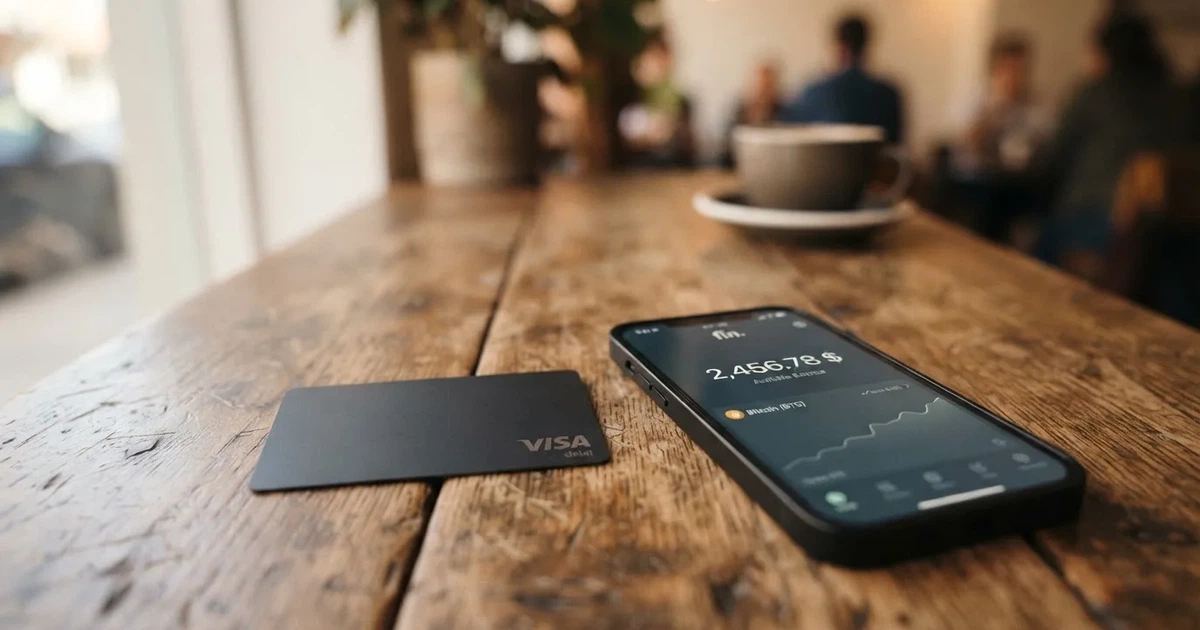
That single design choice explains both what is genuinely good about Oobit and what is genuinely annoying. It is good if you already keep crypto in your own wallet and you do not want to hand it to a custodian just to spend it. It is annoying when something goes wrong, because there is now a chain of parties between you and your money, and the help you get depends on which party is responsible. I will come back to that in the risks section.
Conditions are current as of October 28, 2026.
Verdict
I scored Oobit at 6.8 out of 10. That is not a number I picked to be polite. The everyday-use side of the card is genuinely strong: a virtual Visa, Apple Pay and Google Wallet, an ATM allowance, and a fee structure that is mostly low and clearly published. The score gets pulled down by two things that matter to anyone who has to rely on this card for real spending. The first is reliability and support: 3.8 out of 5 on Trustpilot from 495 reviews, with the same complaints coming up again and again. The second is information: the card issuer is not named on the public pages, and several limits are stated differently in different places. If you need a card you can lean on, those gaps cost it points.
In the table below I have broken the score down by the five criteria I weighted. The numbers are my own judgement based on the card’s public information, third-party reports and the user feedback I read.
| Criterion | Score | Why |
|---|---|---|
| Who can get it | 7 / 10 | 75+ countries including most of Europe, much of the Americas and parts of Africa and Oceania; Russia and Belarus are not supported, the UAE and Turkey are not on the list |
| Cost | 7 / 10 | No issuance or monthly fee, 1% purchase fee with a $0.25 floor, 2.5% ATM fee with the same floor, 0.95% swap |
| Top-up options | 7 / 10 | USDT, Bitcoin, Ethereum and other stablecoins; connects to MetaMask, Phantom, Trust Wallet or Base; supported networks are not published |
| Reliability and complaints | 5 / 10 | Issuer not named; Trustpilot 3.8 from 495 reviews, recurring themes of held funds, blocked cards and slow support |
| Everyday use | 8 / 10 | Virtual Visa, Apple Pay, Google Wallet and smart watches; ATM up to $250 per withdrawal |
The card suits self-custody wallet users who want to pay straight from their own wallet without first converting and depositing. If that is you, the design is one of the cleanest I have come across. It does not suit people who need a physical card for everyday use, or anyone for whom fast, accountable support is a deal-breaker. Both of those gaps are real and I will explain them in turn.
Will they give you the card
Oobit says the card is available in 75+ countries. The full list sits on the support site and I did not pull every entry, but the 75-country count groups roughly as follows: 43 in Europe including the UK, Germany and Spain; 10 across Asia and the Middle East; 17 in the Americas; 3 in Africa (Kenya, South Africa and Tanzania); and 2 in Oceania. The Middle East coverage is thinner than you might expect: the UAE and Turkey are not listed, and neither is Armenia. Russia and Belarus are explicitly on the “Not supported in” list, so the card is not an option for readers in those countries regardless of citizenship or residence.
There is no published list of US states where the card is or is not available, and the US launch in late 2025 was described as covering all 50 states through a partnership with Bakkt Financial Solutions I, LLC. I take that at face value but it is worth checking your own state at sign-up, because programme rules in the US change more often than the headline suggests.
The bigger gap is residency versus citizenship. Oobit’s public pages state country availability, but they do not say whether the rule is based on where you live, where you are a citizen, or both. You will only find out whether the card will work for you by trying, which is a real practical risk for cross-border readers. I would rather flag that ambiguity now than have you discover it at sign-up.
There is also a separate list of restricted places for related Oobit services, including Belarus, Iran, North Korea, Syria, Cuba and a long list of others. I am reading these as the company’s general policy, not a card-specific ban; the card page itself only explicitly excludes Russia and Belarus. If you are anywhere near that list, treat the support site as the source of truth on the day you apply.
How to get it
Sign-up is a mobile-app flow, not a web form. You install the Oobit app on iOS or Android, create an account, complete identity verification and then request a virtual card. The app shows your card status moving from Pending to Active once verification is done.
Identity verification is mandatory. The app asks for a passport or a driver’s licence, and sometimes a proof of address. Bank transfers later in the process can require a one-time proof of address before the first payout. Oobit says most accounts are verified in minutes, with some taking up to 24 hours. The failures I have seen in user reports are the predictable ones: expired documents, photos that are too dark to read, or names that do not match between the document and the account. If you are rejected you can resubmit in the app. There is no public documentation of what happens to people who get repeatedly rejected, and that is a small but real concern if your documents are unusual.
The card itself is described as a Visa Platinum. Oobit says transactions run over the Visa network and settle in local currency, which is the standard wording you want to see for a card that will work abroad. The public pages do not say whether there is a physical card on offer; what is documented is a virtual Visa that you request in the app after verification, and that you can add to Apple Pay, Google Wallet or a smart watch. The card is cancelled if it goes unused for 90 days, and a new one can be requested from the app. If you need a physical card to tap on a turnstile or to leave in a wallet for someone else, that absence is going to be a problem.
The “Visa Platinum” label is also worth pausing on. In the traditional card world, Visa Platinum is a product tier with its own benefits, insurance packages and acceptance markers. For a programme-manager-branded card, the tier is mostly a network classification; it does not necessarily bring lounge access, travel insurance or concierge support. I would not choose Oobit expecting Platinum-tier travel perks.
Fees: what it really costs to use
The headline fees are simple and that is one of Oobit’s strengths. The card has no issuance fee and no monthly fee. Card purchases cost 1% with a $0.25 minimum, and ATM withdrawals cost 2.5% with the same $0.25 minimum, on top of any fee the ATM operator charges. Swapping inside the app costs 0.95% (3% when the asset you receive is OOB, Oobit’s own token). Account creation, card issuance and holding the card are free.
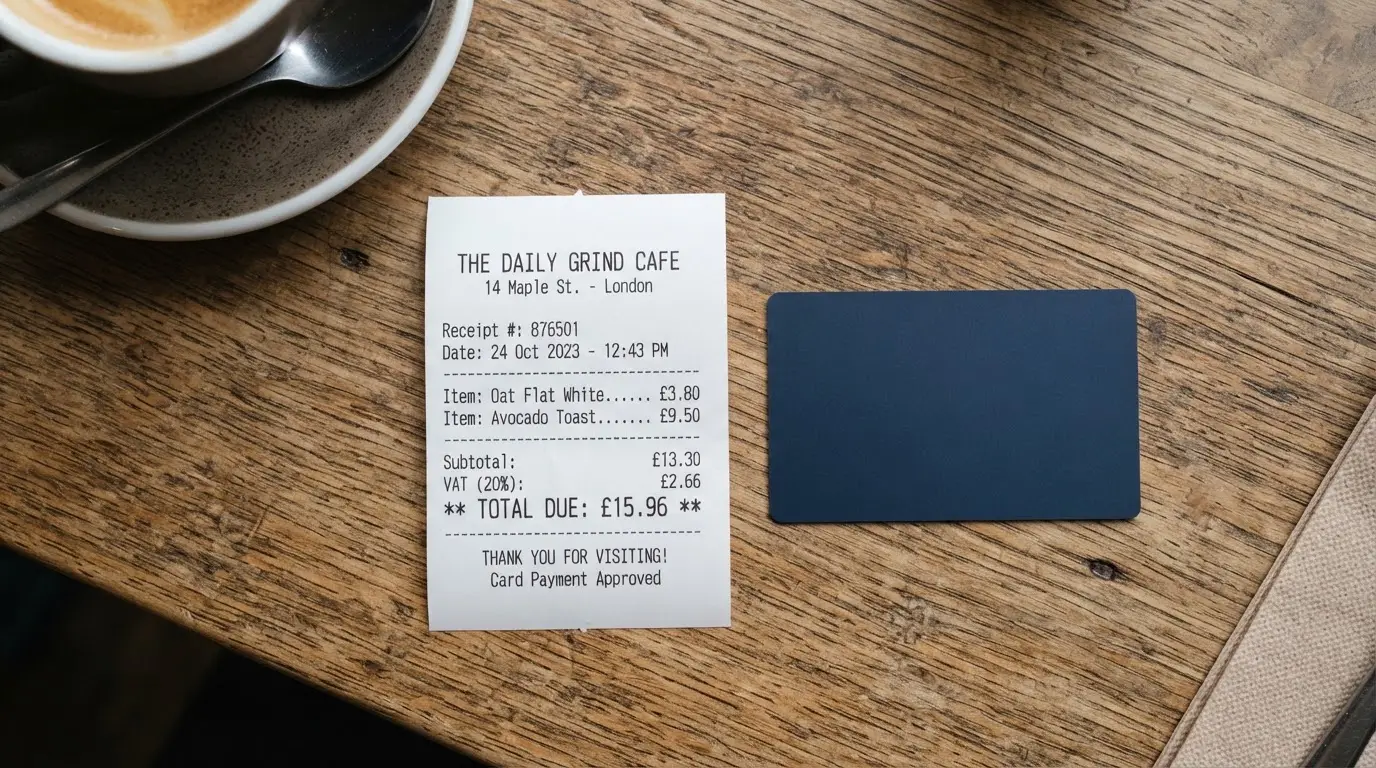
In Brazil the purchase fee is 1% without the $0.25 minimum, plus IOF and FX charges. A local and an international Oobit card can coexist for Brazilian users, which is useful if you want one card for local spending and another for travel.
The fees I could not pin down from the public pages: an FX fee when you spend in a currency other than your balance currency (it is not stated as a separate line), any free ATM allowance (none is mentioned), and any inactivity or dormancy fee (the 90-day cancellation is the only mention I found).
The table below sets the headline fees next to the per-purchase and per-withdrawal limits. Where the card’s own pages disagree with each other, I have flagged it.
| Fee or limit | Value |
|---|---|
| Issuance | Free |
| Monthly or annual fee | None stated |
| Card purchase fee | 1% (min $0.25); Brazil 1% with no minimum, plus IOF and FX |
| FX fee | Not stated as a separate line |
| ATM withdrawal fee | 2.5% (min $0.25), plus any operator fee |
| Card purchase limits | $1 to $2,000 per purchase, up to $25,000 per rolling 24 hours (FAQ says up to $10,000 per day; the two official pages differ) |
| ATM limits | Up to $250 per withdrawal including operator charges, 3 attempts per 24 hours |
| Swap fee | 0.95% (3% when receiving OOB) |
| Rewards stablecoin cashback | 5% of eligible payments, capped at $200 spend; 10% with OOB tokens, capped at $5,000 spend |
To make those numbers feel less abstract, here is what they look like on three everyday payments.
A $40 grocery shop on a US-issued Visa: the 1% fee is $0.40, comfortably above the $0.25 minimum, so the fee is the 1%. Visa settles the transaction in dollars, so there is no foreign-exchange line. Your total cost is $0.40 plus whatever your network fee was for funding the payment in the first place.
A €60 dinner in Berlin paid from a USDC balance converted at the time of the transaction: the conversion runs at the 0.95% swap rate, the Visa settlement in euros adds whatever the network’s FX margin is (not stated by Oobit), and the 1% purchase fee applies. One user on Trustpilot reported roughly 7% effective cost on non-USD payments. That figure is not confirmed by Oobit and it is a single data point, but it is a useful reminder that stacking conversion, FX margin and the purchase fee can produce numbers that look much larger than 1% on paper.
A $100 ATM withdrawal in a country that does not charge its own ATM fee: 2.5% is $2.50, well above the $0.25 floor. ATM fees are where crypto-card economics tend to hurt the most, so always account for the operator’s fee on top of Oobit’s 2.5%.
Top up: how the card is funded
This is the section where Oobit is genuinely different from most of the cards in this category, and it is also the section where the public information is thinnest. The card does not require a preload. There are two ways to fund a payment.
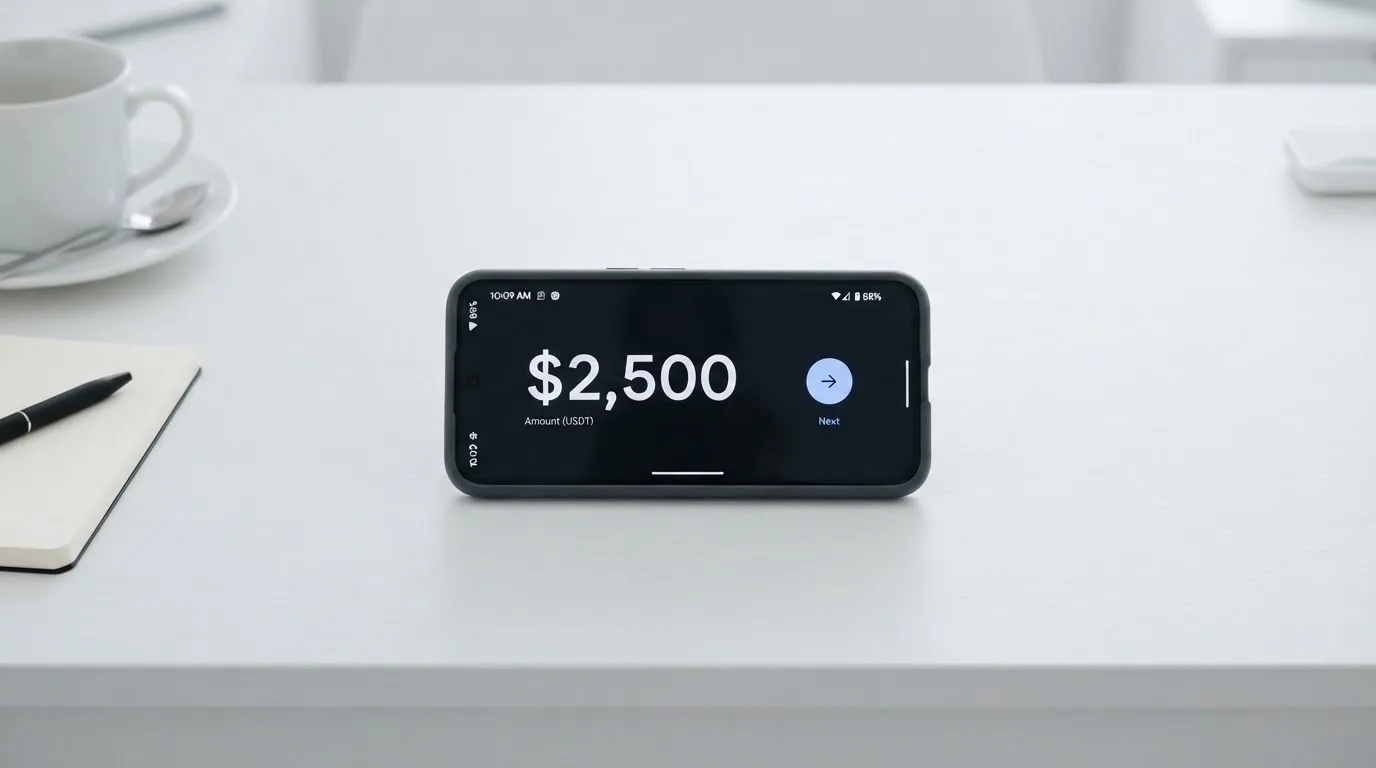
The first is the Oobit account balance. You deposit crypto into the Oobit app, it sits in your in-app balance, and the card draws on that balance at the point of sale. The minimum deposit is $0.10. You can also buy crypto inside the app through Transak, and the limits are set by Transak at checkout. Fiat top-up fees are not stated.
The second is the self-custody path through DePay. You connect an external wallet — MetaMask, Phantom, Trust Wallet or a Base account — and the card pulls crypto directly from that wallet at the moment you authorise a payment. The funds never leave your custody until the second the payment is approved. For anyone who has been burned by leaving funds on a centralised platform, this is the model that makes Oobit worth a closer look.
The supported assets are USDT, Bitcoin, Ethereum and “other stablecoins”. The supported networks are not stated on the public pages, which is a real gap. Stablecoins exist on a dozen networks and sending USDT on the wrong network is a permanent mistake. If you are funding from a self-custody wallet, the wallet itself usually tells you which network the receiving address expects, but it is on you to check.
Crypto withdrawals back to an external wallet are $1 to $50,000 per withdrawal, with a $5 minimum for US residents. The daily limit is set per asset and the amount is not stated. A network fee is shown before you confirm, and you can pull the transaction at that point. Bank transfers out of the app go up to $50,000 per transfer with a €10 / £10 / $10 minimum; the fee is not specified. Failed bank transfers are auto-refunded to the balance. The minimum swap size is $5 and the maximum is $10,000.
There is one more thing worth saying about the self-custody path. Because the funds stay in your wallet until the moment of payment, the usual crypto risks — phishing, clipboard malware, lost seed phrases — apply in full. If someone tricks you into signing a malicious transaction, the card is irrelevant: the funds leave your wallet by your own signature. The card does not save you from your own security mistakes; it only saves you from having to trust a custodian with your balance.
Paying with it every day
In day-to-day use, the card behaves like any other virtual Visa. You can add it to Apple Pay or Google Wallet, you can use it for online checkout, and you can withdraw cash from an ATM up to $250 per withdrawal, three times in 24 hours. There is no published list of blocked merchant categories, so I cannot tell you whether the card works at gambling sites or adult content providers; the safest assumption is that it follows Visa’s defaults.
The app is available on iOS and Android. The Oobit site cites App Store 4.8 from 22,000+ ratings and Google Play 4.7–4.8 from 25,000+ ratings, but the US App Store listing itself shows 4.5 from 134 ratings on iPhone only, requiring iOS 15.4 or later. The gap between the two is large and I would treat the listing on your local store as the one that matters for you.
The rewards structure is more interesting than the headline “10% Cashback Anywhere” suggests. Cashback and 5x Rewards points start at level 1, with levels rising by cumulative spend over a 90-day cycle: level 1 from $0 (1x points), level 2 from $250 (2x), level 3 from $500 (3x), level 4 from $1,000 (4x) and level 5 from $1,500 (5x). 1,000 points equal $1. The headline 10% is paid as a stablecoin and is 5% of eligible payments up to $200 of spend, or 10% with OOB tokens up to $5,000 of spend. The asset the cashback is paid in and any additional caps are not stated. If you are optimising for rewards, the cycle reset every 90 days is the kind of mechanic you want to plan around; if you are spending casually, the gap between 1x at level 1 and 5x at level 5 is meaningful.
There is no formal card dispute process described in the help center. If a payment is declined, the app shows a notification and you can retry. A merchant that charges more than the amount first approved can leave a negative balance on the card and pause it. For someone used to the chargeback rights of a US credit card, that is a thinner safety net. Crypto-funded payments in general have weaker consumer protections than bank-funded ones; Oobit is not unusual in that respect, but it is also not better.
What can go wrong
I read through the user reports before I drew any conclusions. The themes that show up on Trustpilot are consistent enough to take seriously. Trustpilot shows 3.8 out of 5 from 495 reviews, with no recent history of asking for reviews, and Oobit replies to 100% of the negative reviews, often with the same template asking the reviewer to contact support.
The recurring complaint categories between mid-2025 and late 2026 are: funds that were held or never arrived, refunds that were not processed (one reviewer specifically mentions an Amazon refund that did not arrive on 8 October 2026), support that does not respond over days or weeks, cards that were suspended and accounts that were blocked without a clear reason, and fees that ended up much higher than expected. A deposit from another wallet that never arrived and went unanswered by support is in the April 2026 reviews; high fees converting USDC/EURC to euros and on withdrawals are in the March 2026 reviews; a delayed USDC-to-BTC conversion is in the March 2025 reviews; a Litecoin transaction that was not accepted within two hours is in the February 2025 reviews, with Oobit replying that delays can come from network conditions. No Reddit threads turned up in my search, which is unusual for a product with this many Trustpilot reviews and worth noting as an absence.
On the company side, Oobit Technologies “operates through multiple entities globally”, and US crypto services are described as being offered “in partnership with Bakkt Financial Solutions I, LLC”. The card issuer is not named on the public pages; Oobit says only that cards are issued by “licensed partners depending on your location”. If you are the kind of person who needs to know exactly which bank stands behind your card before you load it, that absence is going to bother you. For the US launch in late 2025 the partner is reported to be Bakkt; for the rest of the world you have to take it on faith.
On the security side, the non-custodial option with DePay keeps the crypto in your own wallet until the moment of payment, which is the strongest privacy-and-control design I have seen on a card in this category. There is also a built-in wallet inside the app if you would rather not bring your own. The card can be locked from inside the app. Oobit claims “bank-grade encryption” and real-time blockchain monitoring. Two-factor authentication, insurance and client-fund safeguarding are not stated.
In December 2025 Oobit expanded to the US via Bakkt covering all 50 states according to a secondary report. In November 2025 the company announced expansion to South Africa. No 2026 licence news has appeared in my search. Russia and Belarus remain on the “Not supported in” list.
Two things I want to underline, because they are the kind of thing that hurts you in practice. First, a held or paused card with unresponsive support is the failure mode that comes up most often in user reports, and it is exactly the failure mode a self-custody card was supposed to avoid. The card is non-custodial at the funding moment, but anything that goes wrong on the card-issuer side or the in-app balance side puts you back into a normal customer-support queue. Second, sending a deposit on the wrong network is irreversible, and the supported networks are not published. The combination of these two — an opaque operations layer and a strict on-chain layer — is the part of Oobit I would plan around, not the part I would plan for.
What to take instead
Three alternatives come up most often when readers ask this question, and they are the three I would weigh seriously against Oobit. None of them is a direct replacement — they trade different things — but each one is a useful comparison point.
BloFin Wallet Card — score 6.9 / 10. A Visa Platinum card, virtual by default, with no activation, annual, issuance or dormancy fees. The headline difference is the spend fee, which is “1% or lower” by VIP tier: 1.00% at VIP 0, dropping in steps to 0.00% at VIP 5. You are rewarded for holding more, not for spending more. Top-up is USDT and USDC on Arbitrum and Base. The catch is availability: the country list is not published on the card page and is only revealed when you start the in-app flow; the starting data I have lists 35 countries including the US, Australia, Japan, the UAE, Brazil, Mexico, Malaysia and New Zealand. If you live in one of those and you are a higher-volume spender, BloFin’s tiered fee model is more generous than Oobit’s flat 1%.
Decaf — score 6.2 / 10. A Visa card, virtual ($5 activation worldwide) or physical ($10 in the US, $90 elsewhere), with no annual or monthly fee. The card is restricted in a long list of countries including Russia, Belarus, Turkey, Iran and several others, with additional restrictions in US states such as Arizona, Delaware, Georgia, Idaho, Louisiana, Maryland, Montana, Ohio, Oregon, Rhode Island, Washington and Wisconsin. Decaf adds no FX fee of its own, so the FX is the Visa rate. Funding runs on Solana and Stellar, and the app shows balances in USDC; the specific coins and networks that top up the card are not stated. Cashback and rewards are not stated. If you live in a permitted country, Decaf is the cleaner experience on the FX side; if you do not, it is not an option.
SafePal — score 6.2 / 10. A virtual Mastercard debit card with a Swiss Fiat24 account, spending limits given in euros. There is no account creation or management fee. The standard top-up fee is 0% and Mastercard non-USD settlement adds a 1% FX fee. Swaps include a spread that is not quantified; a separate bank page quotes crypto top-up “as low as 0.4%” on the top tier. Funding covers 40+ blockchains converted to USDC by default or to fiat, with transactions running on Arbitrum. There is no cashback; instead SafePal runs a referral programme paying up to 40% of referred top-up fees, with tier privileges tied to deposits, referrals and SFP staking. The country list was empty on the page I checked, so availability is something to confirm in the app.
If your priority is staying in control of your own keys, Oobit’s DePay integration is the most direct of the four. If your priority is the lowest possible fee on heavy spend, BloFin’s VIP ladder wins. If your priority is the cleanest FX, Decaf wins. If your priority is the broadest funding coverage, SafePal wins. There is no single right answer.
Who I would recommend it to
I would recommend the Oobit card to a specific kind of reader, and I would steer a different kind of reader away. I think the card makes sense if you already keep meaningful crypto in a self-custody wallet, you understand the on-chain risks, and you want to spend that crypto at a Visa terminal or online without first converting and depositing. In that case the DePay integration is genuinely the cleanest I have used, and the 1% purchase fee with a $0.25 floor is competitive. I would also feel comfortable recommending it to someone in a supported country who is happy with a virtual card and Apple Pay or Google Wallet, and who is not relying on the card for high-stakes or large-balance spending.
I would not recommend it if you need a physical card. There is no documented physical card in the public pages and I would not build a routine around an unannounced product. I would not recommend it if you live in or hold citizenship in a country near the restricted list, because the residency-versus-citizenship rule is ambiguous and you only find out at sign-up. I would not recommend it if fast, accountable customer support is a deal-breaker for you. The Trustpilot record on support responsiveness is the weakest part of the card, and Oobit’s promise of “real-time blockchain monitoring” does not translate into a promise of a real-time human reply. I would also not recommend it if you are a large-balance user with no patience for held funds; the difference between $100 and $25,000 in a paused balance is the difference between an inconvenience and a real problem.
Used inside its strengths — self-custody funding, small-to-medium everyday spend, virtual card with mobile wallet — Oobit is a 7 or 8 out of 10. Used outside them, it is a 5, because the support and information gaps start to dominate. The 6.8 I have given it is the average of those two views, and I think it is the right number.
Frequently asked questions
What is the Oobit card?
The Oobit card is a Visa Platinum card issued in app, primarily as a virtual Visa that you can add to Apple Pay or Google Wallet. The distinguishing feature is its funding model: the card can draw directly from a self-custody wallet you connect through a payment protocol called DePay, so the crypto stays in your wallet until the moment you authorise a payment.
How does the Oobit card work?
You install the Oobit app, complete identity verification, and request a virtual card. When you pay, the card either pulls from the in-app Oobit balance or, if you have connected a wallet, from that wallet at the moment of authorisation. The transaction is sent over the Visa network and settles in the merchant’s local currency.
Is Oobit a bank?
Oobit is not a bank. Oobit Technologies operates through multiple entities globally and the public pages say the card is issued by “licensed partners depending on your location”. In the US the crypto services are described as being offered in partnership with Bakkt Financial Solutions I, LLC. The actual card-issuing bank or e-money institution is not named on the public pages.
Who owns Oobit?
Oobit Technologies is the parent, operating through multiple entities globally. The company has not published a single named card issuer; it refers to “licensed partners” that vary by country. For US crypto services the partner is Bakkt Financial Solutions I, LLC.
Is the Oobit card available in my country?
Oobit says the card is available in 75+ countries and groups the coverage as 43 in Europe, 10 in Asia and the Middle East, 17 in the Americas, 3 in Africa (Kenya, South Africa, Tanzania) and 2 in Oceania. The UAE, Turkey and Armenia are not listed. Russia and Belarus are explicitly on the “Not supported in” list. The list of restricted places for related Oobit services is much longer and includes Belarus, Iran, North Korea, Syria, Cuba and others, so check the support site on the day you apply.
How do I get the Oobit card?
You install the Oobit app on iOS or Android, create an account and complete identity verification with a passport or driver’s licence (sometimes also a proof of address). Once verified you request a virtual card from the app; its status moves from Pending to Active and you can add it to Apple Pay or Google Wallet. The card is cancelled after 90 days of inactivity and a new one can be requested.
Does the Oobit card require KYC?
Yes. Identity verification is mandatory before the card activates. You need a passport or a driver’s licence, and sometimes a proof of address. Bank transfers later in the process can require a one-time proof of address before the first payout. Most accounts are verified in minutes, with some taking up to 24 hours; rejections are usually for expired, unclear or mismatched documents, and you can resubmit in the app.
How do I top up the Oobit card?
You do not have to preload it. The card can pull from the in-app Oobit balance, which you fund with USDT, Bitcoin, Ethereum or other stablecoins (minimum deposit $0.10), or it can pull directly from a self-custody wallet you connect through DePay, such as MetaMask, Phantom, Trust Wallet or a Base account. The supported networks are not published, so check the wallet’s network selection carefully before you send.
How do I add the Oobit card to Apple Pay or Google Wallet?
Once the virtual card is active in the app, you add it to Apple Pay or Google Wallet from the card screen, following the same flow you would use for any Visa. The tokenised number lives in the device’s Secure Element and the physical card number is not stored on Apple’s or Google’s servers.
Is the Oobit card safe?
The non-custodial design is the strongest privacy-and-control option in the category: with DePay the crypto stays in your own wallet until the moment of payment. The card can be locked from the app and Oobit claims “bank-grade encryption” and real-time blockchain monitoring. The public pages do not state whether there is two-factor authentication, insurance or client-fund safeguarding, and the card issuer is not named. On the user side, 3.8 out of 5 on Trustpilot from 495 reviews is the headline, with recurring complaints about held funds, blocked cards and slow support.
Wallet card options – cryptocardoptions.com
Content created by the «cryptocardoptions.com» team