
Capitalist Card: A Cheap Virtual Card for Ads and Online Services — With Gaps in the Fine Print
 Available in US
The Capitalist card is a virtual card issued from Hong Kong that you load and spend like a prepaid card, and it seems built for users who need a cheap virtual card to pay for advertising and online services. If that is you, the price is genuinely low — issuance is $2.50 / €2.00, there is no monthly fee, and you can hold as many cards as you like. If you are anyone else — someone who wants a physical card, a clear foreign-exchange rate, a named issuing bank, or proof of what happens to a deposit when it goes wrong — this card leaves a lot of blank spaces. My overall score is 5.0 out of 10. Below is what I checked, what I found, and where I would look twice before you commit money.
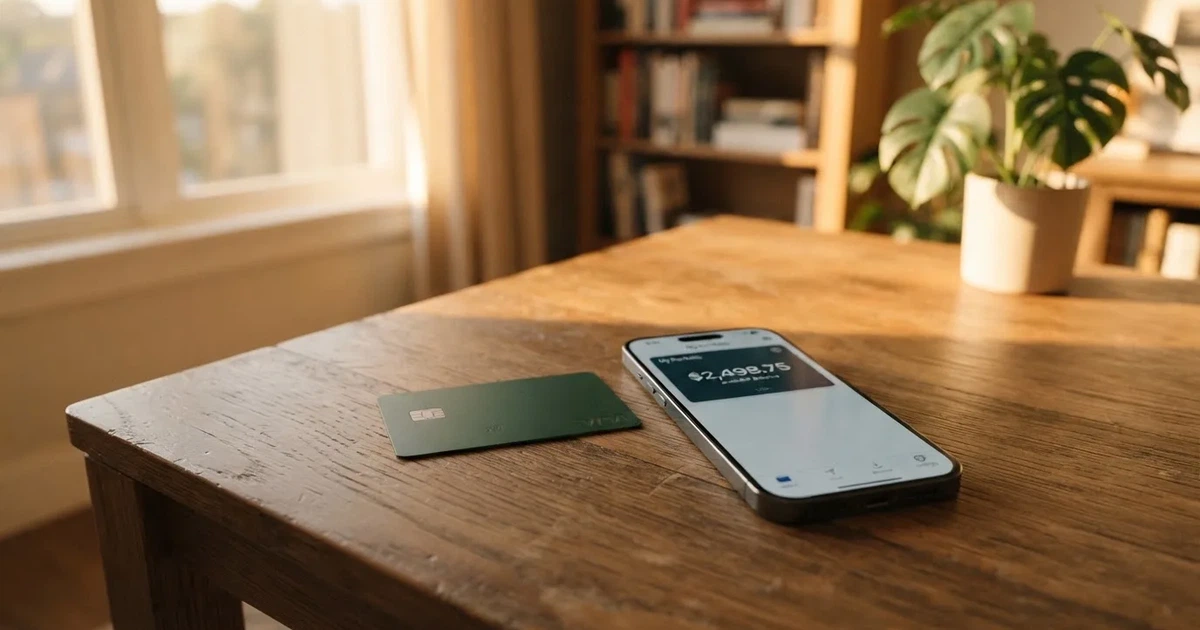
The conditions described here are current as of October 28, 2026.
Verdict: 5.0 out of 10 — a cheap virtual card for ads, with real gaps
Capitalist earns its points in two places and loses them in four. It is cheap and it is built for online advertising payments, which is a genuine niche and a legitimate need. What holds it back is not the price — it is how little the public pages say about the things that decide whether your deposit arrives and whether a payment clears.
Here is the score, criterion by criterion, with my reasoning:
| Criterion | Mark | Why |
|---|---|---|
| Who can get it | 6 / 10 | Cards are issued in Hong Kong and payments are accepted worldwide; no list of countries is named. |
| Cost | 4 / 10 | Issuance $2.50 / €2.00, maintenance free; top-up 4%; FX fee not disclosed. |
| Top-up options | 6 / 10 | Top up by SWIFT, SEPA or USDT; unofficial: BTC, USDT, ETH, USDC to the wallet free, cards loaded from the wallet at 3%–4.7%. |
| Reliability and complaints | 5 / 10 | Legal entity, issuer and licences not named; 11 years of work; Trustpilot 4.2 out of 5 from 115 reviews; a complaint about USDT that never arrived after five days. |
| Everyday use | 4 / 10 | Virtual only, USD or EUR; Apple Pay yes, Google Pay only a logo; ATM not disclosed. |
| Total | 5.0 / 10 | A solid low-cost tool for its target job, held back by opacity and a virtual-only product. |
A 5.0 is not a dismissal. It means: the card does a narrow job cheaply and quietly, and I cannot give it a higher number because the details that would let me trust it with a meaningful balance are not published. If your use is a few ad-platform subscriptions a month, the small, fixed costs suit you. If it is your main everyday card, it does not — there is no physical card, no published FX rate, and no named issuer behind it.
Who it suits: users wanting a cheap virtual card for ads and online services; people who pay in USD or EUR only; people comfortable sending a transfer by SWIFT or SEPA and paying 4% to load it.
Who it does not suit: anyone wanting a physical card; anyone spending in a currency other than USD or EUR; anyone who needs a published FX rate or a named, licensed issuer; anyone for whom “where exactly is my money held, and who is legally responsible for it” is a dealbreaker.
Will they give you the card?
Short answer: the card is issued in Hong Kong and is meant to be accepted worldwide, but the public pages do not name the specific countries it will be given to. That distinction matters, and I want to be precise about it.
- Issuing country: Hong Kong.
- Payments: accepted worldwide.
- Country list: not stated on the card’s public pages.
So the honest reading is this: Capitalist describes the card as globally usable, but it does not publish an eligibility list, an exclusion list, or a rule about which nationalities or residence countries it will decline. If your question is “will they issue to me, specifically, where I live,” the public pages do not give you a straight answer — the closest thing to a guarantee is “payments accepted worldwide,” which is a claim about where the card spends, not about who gets one.
This is the single biggest reason I hold the “Who can get it” mark at 6 rather than higher. A card that tells you it works everywhere but never tells you who it will onboard is asking for a leap of faith at the start.
How to get it
The signup is straightforward in shape, but not in privacy: despite the marketing line about no complicated KYC, you will be asked for identity and address documents.
What the public pages say:
- Cards are advertised with the promise of “No complicated KYC procedure.”
- To reach “Verified user” status — which the flow appears to require for normal use — you must submit identity and address documents.
- The address document must be no older than three months.
- Beyond that single “Verified user” tier, other tiers or timing are not stated.
So the “no complicated KYC” line is really shorthand for “the documents we need are ordinary ones,” not “there is no KYC.” Expect to prove who you are and where you live, with recent paperwork. If you have no qualifying address document issued within the last three months, that is the first thing to sort out before you start.
On the card itself, once issued:
- It is virtual only — there is no physical card to wait for.
- It comes in two groups: one for any purchases, one specifically for advertising.
- The card currency is USD or EUR.
- For the advertising cards, the network is not stated; the pages mention “Trusted BINs UK and USA.”
- 3-D Secure is supported.
Because it is virtual, delivery times are not applicable — there is nothing in the post. And because there is only one named tier (“Verified user”) in public, you should not assume there are faster or higher-limit versions to unlock.
What it really costs: Fees, the small print, and three everyday payments
The headline cost is low, but the running cost depends on two things the card does not fully publish: the top-up fee (which it does state) and the conversion and FX fee (which it does not). Here is every cost item the public pages mention, or admit to omitting.

| Fee or limit | Value |
|---|---|
| Issuance | $2.50 / €2.00 |
| Monthly / maintenance fee | Free |
| Top-up fee | 4% (page shows “$ 4%” / “€ 4%”) |
| Crypto-to-fiat conversion fee | Not stated |
| Foreign exchange (FX) fee | Not stated |
| ATM / cash withdrawal fee | Not stated |
| Daily spending limit | “No limits on top-ups and spending” |
| Monthly spending limit | “No limits on top-ups and spending” |
| Number of cards | Unlimited |
| Tiers | Single tier |
| Card currency | USD or EUR |
Two or three everyday payments, to make this concrete. I am using only the published figures and flagging where the answer is “the card doesn’t say.”
Payment 1 — a $50 subscription in USD, paid from a USDT balance. The only fee the pages confirm on the loading side is the 4% top-up fee. If you top up $50 to cover it, that is $2 in top-up fee on top. Whether the crypto-to-fiat conversion on the way in, or any FX markup on the way out, adds anything on top of the 4% is not stated — so treat 4% as the known floor, not the known total.
Payment 2 — a €30 monthly ad-platform subscription, paid from euros. Issuance (€2.00 if this is your first card) and the 4% top-up are the confirmed costs. Because the card is denominated in EUR, paying an EUR-priced service should avoid a currency conversion altogether — the card spends the euro balance you loaded. The FX fee still does not apply in that scenario, which is exactly why the fee is worth avoiding rather than budgeting for.
Payment 3 — a $80 purchase from a merchant priced in a currency other than USD or EUR. This is where the card is least transparent. The card holds USD or EUR only. Any conversion into or out of a third currency happens somewhere in the chain, and the FX fee for it is not stated. If you spend away from your card’s currency often, you are paying a number the vendor has not published.
The bottom line on cost: cheap to open, cheap to hold, moderately expensive to load (4%), and unquantified for anything currency-related. That last gap is why “Cost” scores 4. You can budget the parts that are printed; you cannot budget the spread.
How to Top up the card
Topping up is where the card’s structure is clearest, and also where one unofficial detail could save you money if it holds up.
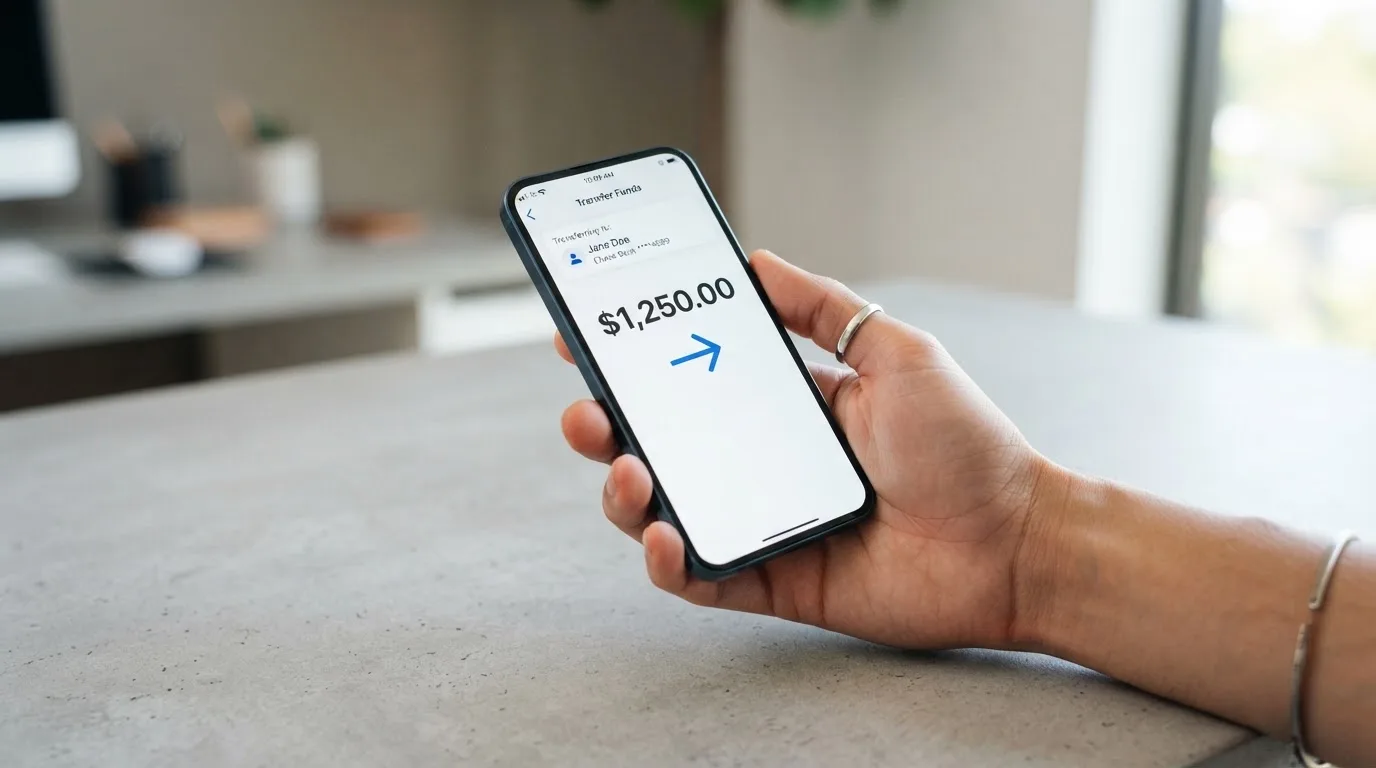
Officially, you fund the card by:
- SWIFT transfer,
- SEPA transfer, or
- USDT.
On top of the 4% top-up fee, the pages add that “Capitalist service charges commission additionally from the payment amount.” So the fee you pay on a top-up is the 4% plus any additional commission they take from the amount — I want to be honest that I could not pull the exact wording or figure of that extra commission from the pages, so treat it as a stated but unquantified addition. A minimum top-up amount is not stated.
One important unofficial data point: an earlier check suggested that BTC, USDT, ETH and USDC can be deposited to the wallet free of charge, and that loading the card from that wallet costs somewhere between 3% and 4.7%. This comes from third-party sources, not from Capitalist’s own current pages, so I have not confirmed it — but if it is accurate, it is a meaningfully cheaper route to money on the card than a 4% bank transfer top-up, and it is worth asking the support team to confirm before you rely on it.
A word on the mechanics of a wrong-network transfer, because it is the most common way people lose money to cards like this: blockchain transfers are generally irreversible. If you send funds on a network the provider does not support, or to an address belonging to a different network, the money can be lost or require manual recovery with no guarantee. Double-check the network before you send.
Paying with it every day
For the card’s core job — spending online, especially on advertising platforms — the everyday mechanics are workable, with a couple of gaps.
- Apple Pay: the cards can be linked to Apple Pay. This is the well-supported mobile-wallet path, where the card number is replaced by a device-specific number stored on the phone (never on Apple’s servers) and each payment uses a one-time code.
- Google Pay: a Google Pay logo is shown on the pages, but no details are given. Do not assume it works the same way as Apple Pay — check before you rely on it.
- Card currency: USD or EUR, chosen at issue.
- 3-D Secure: supported, which adds an identity-check step to online payments and can mean either a frictionless approval or a one-time-code challenge.
- Blocked merchant categories: not stated. So you do not know from the public pages whether, say, gambling merchants (category 7995) are blocked. Many issuers block certain categories by policy, but the list varies by issuer and Capitalist does not publish one.
- Rewards or cashback: not stated. Do not assume any.
- App: a Telegram app bot is mentioned; store ratings were not read, so I cannot vouch for the mobile apps.
- Disputes and chargebacks: not stated. Whether you can dispute a charge, and how, is not published.
Two practical notes. First, because these are foreign-issued BINs, some merchants may look at the BIN, see a Hong Kong or UK/USA issuer, and either apply extra scrutiny or decline the card — this happens with prepaid and foreign cards generally and is not a fault of yours. Second, a declined authorisation can leave a hold on your funds that stays for several days, sometimes up to seven. Both are things to plan around, not reasons to rule the card out.
What can go wrong
I looked for official incidents and found none. What I did find were user reports, and a set of protections on the account side. Both matter, so here is each honestly labelled.
No official incident. I did not find a documented official security incident with the card. That is a fair thing to note, but it is not the same as a clean bill of health — absence of a public incident is weak evidence.
User reports (unofficial). On Trustpilot, an August 2026 report described USDT sent from Trust Wallet that “never arrived” after five days. Across August–September 2026, other report themes were unclear or high fees and, in August, unhelpful support. These are individual accounts, not established patterns, and I present them as reports rather than conclusions.
The company. Capitalist.net describes “11 years of successful work.” But the legal entity, the card issuer and its licences are not named on the public pages. This is the finding that most affects my trust in the card. A card programme sits inside a regulated structure — the card network routes the payments, a licensed issuer holds the programme, and the brand is often just the front end — and Capitalist does not tell you which issuer and which licence you are relying on. I have not treated the 11 years as a substitute for that disclosure.
Account protections. The service does describe real safeguards:
- a personal greeting for support,
- IP restriction,
- SMS confirmation,
- a certificate,
- a one-time password table,
- and a payment PIN.
It also recommends activating not less than two methods of protection — I would take that recommendation seriously and follow it.
Support hours. Working days 10:00–19:00 MSK; weekends and holidays 11:00–19:00 MSK, and on those days contact is through internal messages and the feedback form only (plus the Telegram bot). Languages served are not stated — if you need support in a particular language, ask first.
Trustpilot score. 4.2 out of 5 from 115 reviews (read 21 October 2026), with 25% of reviews being 1-star. The recurring themes in the reviews were unclear or high fees (Aug–Sep 2026), unhelpful support (Aug 2026), and a delayed deposit (Aug 2026). News and press coverage of the company: not stated.
Where this leaves the risk picture: the account tooling is sensible and there is no known major breach, but the provider is opaque on the regulatory side, the delayed-deposit complaint is exactly the failure mode that matters for a prepaid card, and the support model is regional and partly asynchronous. If a deposit goes wrong, you are relying on that support to recover funds that, on a blockchain deposit, the network cannot reverse for you.
What to take instead
If any of Capitalist’s gaps bother you, these are the alternatives I compared, with the same care. Each scores higher or lower on its own merits — I am not endorsing one, just laying them beside Capitalist so you can see the trade.
The alternatives at a glance
| Capitalist | Cardex | TakeCard | OkiCard | |
|---|---|---|---|---|
| My score | 5.0 / 10 | 5.6 / 10 | 5.5 / 10 | 6.0 / 10 |
| Card type | Virtual | Virtual + physical | Virtual + physical | Virtual (physical mentioned) |
| Issuing country | Hong Kong | Not stated | United States | Not stated |
| Reach | “Worldwide”, no list | “200+ countries”, no list | Physical Bolivia only; wallet from any country | “150+ countries” (“200+” on some pages) |
| Issuance | $2.50 / €2.00 | Not stated | Virtual $5; physical $20 + $20 shipping | $0 / $0 monthly (pages disagree; $15 start cited) |
| Top-up fee | 4% | Not stated | 1% per purchase | 3% |
| Crypto funding | USDT (SWIFT/SEPA too) | USDT, USDC, BTC; networks not stated | USDC/USDT via Polygon, BNB Chain, Tron or Ethereum (unverified) | USDT on BSC, Ethereum, Tron, Solana |
| Extra note | — | App Store listing is Naira-focused | Conflicting physical price in help centre; no geo-blocking on passport | Initial deposit 100 USDT |
Cardex — 5.6 out of 10
Cardex is a crypto card on the VERVE, Visa, Mastercard and UnionPay networks, offered as both virtual and physical, claiming “one crypto card, 200+ countries” with no country list or exclusions. It funds from USDT, USDC and BTC wallets (networks not stated), converts crypto to fiat at the moment of payment using an “AI-Powered Conversion Rate” that scans global exchange rates. No fee percentage is published, and no country list is given. Its App Store listing is Naira-focused. Its edge over Capitalist is the physical card option; its weakness is that it publishes even less about costs.
TakeCard — 5.5 out of 10
TakeCard issues a Visa card in the United States, prepaid, in USD (payments in USD 1:1). The virtual card is available immediately at $5; the physical card is “available only to Bolivian users for now” at $20 issuance + $20 shipping — though another article in the same help centre quotes $10 for physical in Bolivia, so the price is inconsistent. Countries are not listed in the help articles, and the physical card is Bolivia-only, though the wallet itself can receive payments “from any country.” Fees are a 1% commission per purchase, USD 1:1 with no currency adjustment, other currencies at the official Visa rate of the day. Funding is from the Takenos balance; coins are not named in the article, and an unverified starting-data claim lists USDC/USDT via Polygon, BNB Chain, Tron or Ethereum.
OkiCard — 6.0 out of 10
OkiCard is the strongest of the four on my score. It claims “150+ countries” (some pages say “200+”) with “no geo-blocking based on your passport,” though you must confirm you are not in a sanctioned jurisdiction. It is a virtual card in USD or EUR, pegged, on a Visa/Mastercard network not specified. Pricing is muddled — the pricing page shows issuance $0, monthly $0 and a $15 starting price, while the FAQ mentions a one-time issuance fee, so the pages disagree; an initial deposit of 100 USDT is required. Fees: 3% to load, 0% transaction fee on USD, “no hidden exchange spreads” (though an FX fee is not stated). Funding is USDT on BSC (BEP-20), Ethereum (ERC-20), Tron (TRC-20) and Solana (SPL), with USDC “soon” and BTC/altcoins “coming soon”; deposits go to a generated address and convert at the moment of spending. Its advantages are the clearest multi-network crypto funding and the 3% load fee; its drawbacks are the contradictory pricing and an unstated FX fee.
Notice what none of these — including Capitalist — publish: a clear, named issuer with its licence. That is a category-wide gap, not one card’s failing, and it is worth weighing as you choose.
Who I would recommend it to
I would recommend the Capitalist card to a specific user: someone who needs a cheap virtual card specifically to pay for advertising and online services, who is comfortable holding and sending USDT, who will keep the balance small, and who has followed Capitalist’s own advice to turn on at least two account-protection methods. For that person, $2.50 to open, no monthly fee, unlimited cards, Apple Pay, and a 4% load is a genuinely good deal, and I can see why it earns a loyal following.
I would not recommend it to someone who wants it to be their everyday or main card, who needs a physical card, who spends in currencies other than USD or EUR, who needs a published FX rate, or who is uneasy that the issuing entity and its licence are not named. For those needs, look at OkiCard for the clearest crypto funding and fee story, Cardex if you want a physical option, or TakeCard if a US-issued Visa in USD matters to you — while remembering each has its own unstated corners.
Above all, this is a prepaid card for a specific job, funded by transfers that are hard to reverse, from a provider that publishes more about its features than about its legal footing. Use it for what it is good at, keep the balance small, enable the extra security, and if a deposit is ever delayed, use the support channels within their published hours and expect to follow up.
Frequently asked questions
What is the Capitalist card?
Capitalist is a virtual payment card issued from Hong Kong that you load and spend like a prepaid card, aimed especially at paying for advertising and online services. It comes in two groups — one for any purchases and one for advertising — and you can hold as many cards as you like. The card currency is USD or EUR, Apple Pay is supported, and there is no physical card or monthly fee. Its main appeal is low cost: issuance is $2.50 / €2.00.
Is Capitalist a bank, and who owns it?
Capitalist is not a bank. It describes “11 years of successful work” through Capitalist.net, but its public pages do not name the legal entity, the card issuer, or the licences behind the card. That means I cannot tell you which regulated institution actually stands behind your balance. If knowing the issuer and its licence is important to you, ask them directly before you fund the card — the answer is not published.
Does the Capitalist card require KYC?
Yes, despite the “No complicated KYC procedure” marketing line. To reach the “Verified user” status needed for normal use, you must submit identity and address documents, and the address document must be no older than three months. So expect ordinary KYC, not a bypass of it. No other tiers or approval timings are stated. Bring a recent proof of address or you may stall at the first step.
How do I top up the Capitalist card?
You can top up by SWIFT transfer, SEPA transfer, or USDT. The top-up fee is 4%, and the pages say Capitalist additionally charges commission from the payment amount, though the exact figure I could not pin down. An unofficial earlier check suggested depositing BTC, USDT, ETH or USDC to the wallet is free and loading from the wallet costs 3%–4.7% — not confirmed by the card. A minimum top-up is not stated. Check the network before sending, since transfers are hard to reverse.
What are the fees and limits on the Capitalist card?
Issuance is $2.50 / €2.00 and there is no monthly fee. The top-up fee is 4%. But the crypto-to-fiat conversion fee, the FX fee and the ATM fee are all not stated, so your real cost depends on parts the vendor does not publish. On limits, the card claims “no limits on top-ups and spending” and unlimited cards. Practically, budget the 4% as the known cost and treat any currency conversion as unquantified.
Can I use the Capitalist card in my country, and where can I spend it?
The card is issued in Hong Kong and Capitalist says payments are accepted worldwide — but it publishes no list of eligible or excluded countries, so I cannot tell you whether your specific country is covered. For spending, expect the usual behaviour of a foreign-issued prepaid card: some merchants may check the BIN, see a Hong Kong or UK/USA issuer, and apply extra scrutiny or decline. Spending in USD or EUR avoids the most FX friction; spending in other currencies hits an unstated conversion fee.
Is the Capitalist card safe, and how do I secure the account?
There is no known official security incident, and the account has real safeguards: a personal greeting, IP restriction, SMS confirmation, a certificate, a one-time password table and a payment PIN. Capitalist recommends activating at least two protection methods — I would follow that. Because it is prepaid and blockchain deposits are irreversible, the bigger risk is a delayed or misdirected deposit (one user reported USDT that never arrived after five days) rather than a card hack. Keep balances small.
What should I do if a deposit is delayed or support is unhelpful?
Support runs 10:00–19:00 MSK on working days and 11:00–19:00 MSK on weekends and holidays, reachable via internal messages, the feedback form and a Telegram bot; languages served are not stated. If a crypto deposit is late, first confirm the network and address you sent to, because blockchain transfers generally cannot be reversed by the provider or the network. Then open a ticket with the transaction hash during support hours and follow up — delayed deposits were a recurring complaint theme in August–September 2026.
Is the Capitalist card worth it, and what are the alternatives?
It is worth it for a narrow job: users wanting a cheap virtual card for ads and online services, who can hold USDT and keep the balance small. For anything broader, look at OkiCard (6.0/10) for the clearest multi-network crypto funding and a 3% load fee, Cardex (5.6/10) if you want a physical card option, or TakeCard (5.5/10) for a US-issued Visa in USD. None of these publish a clearly named issuer and licence either — that is a category-wide gap worth weighing wherever you choose.
Virtual card options – cryptocardoptions.com
Content created by the «cryptocardoptions.com» team