
A fee-light US debit card, but the basics are still half-hidden
 Available in US
If you live in the United States and want a straightforward debit card attached to an in-app account, the Bolt card is one of the simpler options on the market, at least on paper. The card itself is promoted as fee-free, the virtual version is issued the moment you deposit, and the physical card arrives within around 10 business days. That is about as much as the public pages confirm, and the rest of the picture, from which coins you can load it with to the cost of a foreign transaction, is left for the app to reveal. The conditions in this review are current as of October 28, 2026.
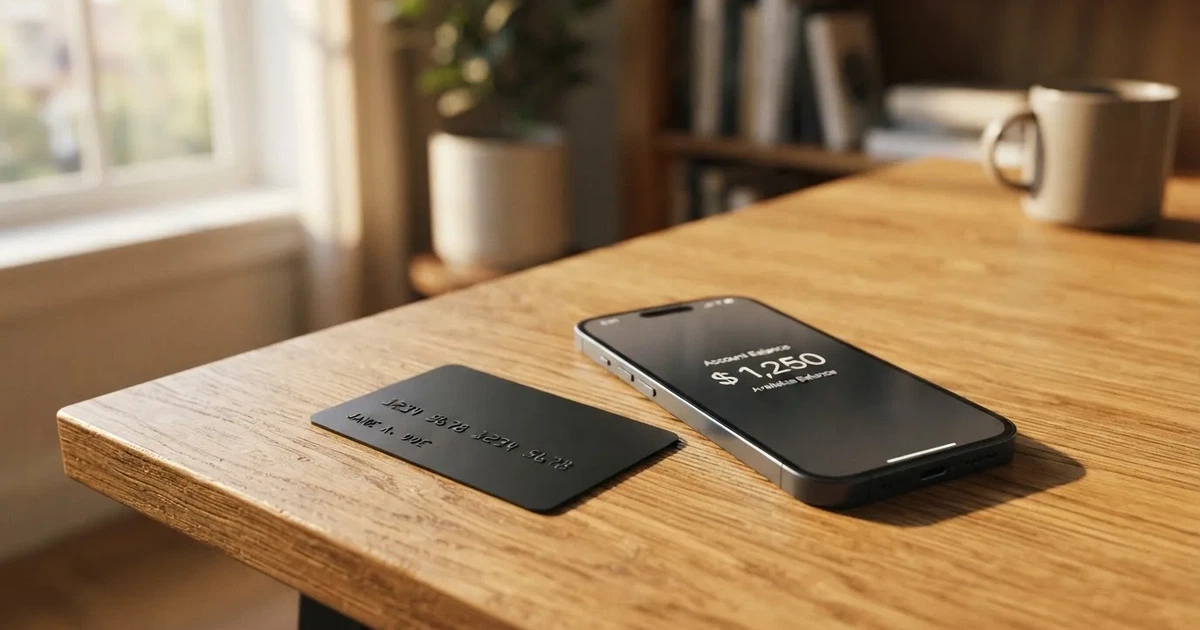
My overall take is that Bolt is a niche product: easy to try if you already have the app, opaque if you do not, and not designed for readers outside the United States. The score I have given it sits at the lower end of the scale, mostly because the help pages do not show enough of the things a normal cardholder needs to know before signing up.
Verdict
Bolt scores 4.8 out of 10 in my assessment. The number is not a verdict on whether the card works; it is a verdict on how much the public materials tell you about it. The card is cheap to hold, the entry barrier is low (a five-dollar deposit gets you a virtual card), and the company behind it is a known US fintech rather than an unknown brand. What drags the score down is that very little is published about the conversion fee when you load or spend crypto, the FX markup on a foreign transaction, the ATM policy, the issuing bank, the supported coins and networks, or even which card network the plastic runs on. You learn those things by signing up and looking inside the app, not by reading the help pages.
The table below shows how I arrived at the total. Each row is a criterion from my scoring sheet, with the mark I gave it and the reason in my own words.
| Criterion | Mark | Why |
|---|---|---|
| Who can get it | 2 / 10 | Starting data says United States only; the list of states and the rules for non-US residents are not stated |
| Cost | 8 / 10 | No annual or monthly fee is published for the card; the conversion and FX fees are not stated |
| Top-up options | 3 / 10 | The help pages describe a deposit to a Bolt Account from the app; the coins, networks and crypto path are not confirmed |
| Reliability and complaints | 6 / 10 | The brand is Bolt Financial, Inc.; the issuing bank is not named, and I could not find any complaints specific to the Bolt card |
| Everyday use | 4 / 10 | The virtual card is instant after a $5 deposit and the physical card arrives in around 10 business days; Apple Wallet is not supported yet and ATM policy is not stated |
The audience I have in mind while writing is US residents who want a fee-free debit card tied to an in-app account, with crypto as an optional funding path rather than the main reason to sign up. If that is not you, the rest of this review will help you see why.
Who will they give you the card
The starting data I worked from says Bolt is for residents of the United States. The help pages confirm a single hard step before you can ask for a card: identity verification in the app. Without that step, no card is issued, virtual or otherwise. Beyond that single rule, the public materials do not list the states that are accepted, do not say whether citizenship is screened separately from residence, and do not describe the documents you have to upload. Proof of address, age threshold and what counts as a valid ID are not stated either. In practice, this means a non-US reader can assume the card is not aimed at them, and a US reader will only find out whether their state qualifies by starting the sign-up flow.
If you have had trouble getting an ordinary bank card, the same kinds of rules usually apply: regulated card programmes check identity, screen against sanctions lists, and apply ongoing transaction monitoring. Bolt does not publish its own version of those rules, so there is nothing for me to quote. The plain fact is that if you cannot pass standard identity verification, you will not get a Bolt card, virtual or physical.
One more thing worth flagging: the company that runs the programme is Bolt Financial, Inc., per the starting data. The issuing bank, the one that actually holds the licence to put a card network logo on the plastic, is not named on the pages I read. The disclosures reference a “Consumer Checking Account Agreement,” which is the kind of document a US bank-issued debit card sits under, but the bank’s name is not on the help pages. For readers comparing cards, that is a meaningful gap, because the issuing bank is the entity that handles disputes, holds your balance under its safeguarding rules, and is regulated for that role.
How to get it
The sign-up path Bolt describes is short. You complete identity verification in the app, you make an initial deposit of at least $5, and a virtual card is issued instantly. The physical card is a separate request from its own page, and the help pages put the delivery time at “around 10 business days.” Cost, replacement policy and which countries the physical card is shipped to are not stated.
What is also not stated is whether the documents you upload for identity verification are checked by Bolt itself or by a third-party KYC vendor, how long the review usually takes, and what happens if your first attempt is rejected. Prepaid and debit cards in the US are generally available to adults, but Bolt’s own age threshold is not stated on the pages I read. Single identity verification step, no mention of tiered KYC.
For someone who already has the Bolt app (the “Bolt SuperApp” referenced in the disclosures) the path is friction-light. For someone who does not, the first decision is whether the in-app account is useful enough on its own to justify installing the app, before the card even comes into the picture. The help pages do not describe what the rest of the app does well enough for me to answer that for you.
Fees: what it really costs
The single clearest thing about Bolt’s pricing is the line on the help pages: “There are no annual or other fees associated with the Bolt Card.” That covers the card itself, not what happens when you spend or load it. The costs table below pulls together what Bolt publishes and what it does not.
| Fee or limit | What Bolt publishes |
|---|---|
| Card issuance | Not stated for the virtual card (issued on a $5 deposit) or the physical card |
| Monthly / annual fee | None, per the help page wording |
| Crypto conversion fee | Not stated |
| FX (foreign transaction) fee | Not stated |
| ATM withdrawal | Not stated; a PIN can be set in the app |
| Daily spend limit | “All limits are set to default by Bolt”; figures shown only in the app |
| Monthly spend limit | Same as above; figures in the app only |
| Initial top-up minimum | $5 |
Three everyday situations show how thin the published information is.
A coffee in New York paid from your Bolt balance. You tap the card or insert it, the merchant is charged in USD, no FX is involved, and the help pages do not describe any per-transaction fee. The only cost that Bolt has confirmed on the help pages is the absence of an annual fee on the card itself.
A dinner in Paris paid with the same card. The merchant is charged in euros, Bolt converts to USD behind the scenes, and the FX markup for that conversion is not stated. This is exactly the kind of transaction where a card either looks cheap or suddenly stops looking cheap, and Bolt’s help pages do not give you a number to compare against.
An ATM withdrawal on a trip. You set a PIN in the app, you find an ATM, and you take the cash. The ATM fee, the ATM operator’s own surcharge, and any foreign-currency adjustment on the cash are all not stated.
The pattern is the same in every case: the card’s own price is published, the price of actually using it is not. The limits row is the same story in a different shape. Bolt sets defaults, the user sees the actual numbers in Bank/Cards > Limits in the app, and the help page does not tell you what those defaults are. For a card that markets itself on simplicity, this is the section where the marketing outruns the documentation.
Top up: how to fund the card
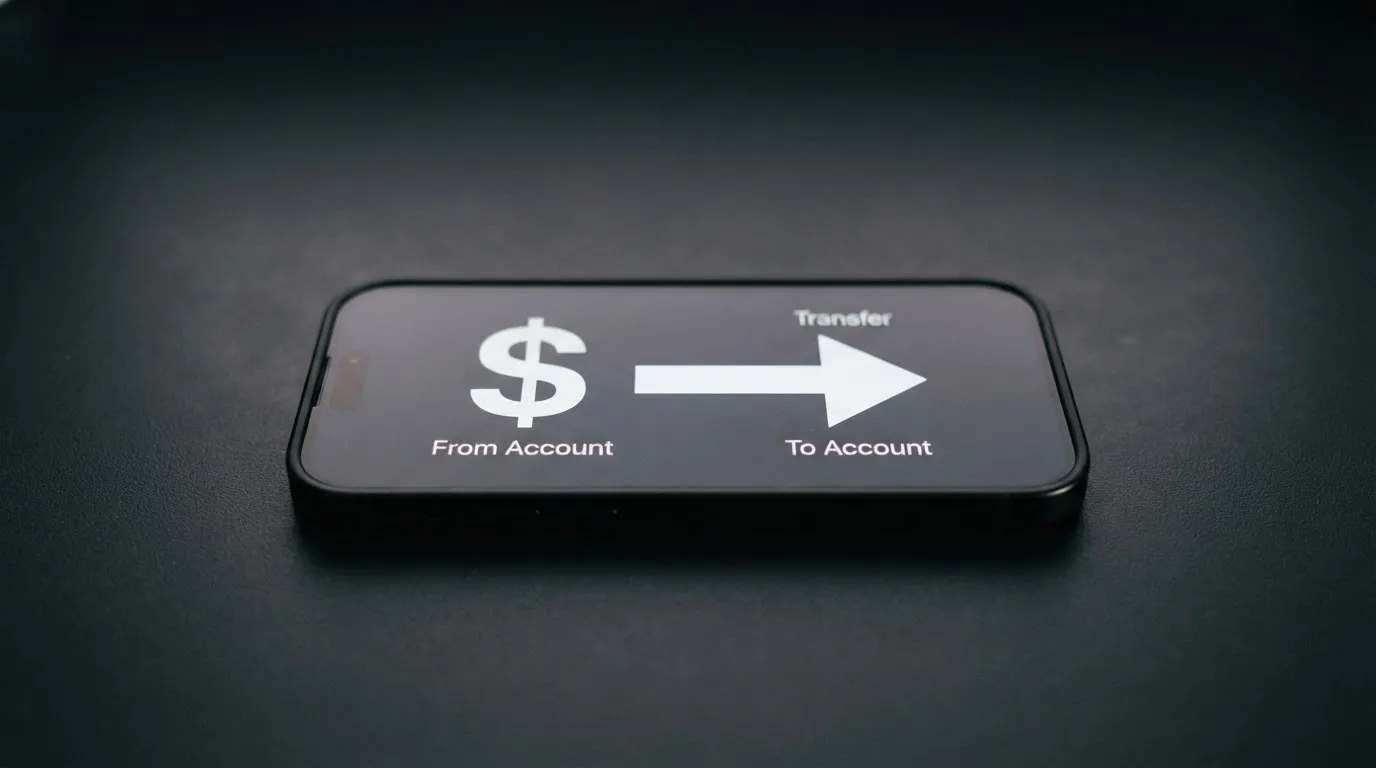
The funding flow Bolt describes is straightforward on the surface. You deposit to the Bolt Account from the app, the card spends from that balance, and you can also withdraw from the Bolt Account back to a bank or wallet when you want your money back. The minimum to start is the same $5 that triggers the virtual card. The help page that walks through this is the Withdraw flow under Bank/Cards > Bolt Card > Bolt Account > Withdraw.
What the help pages do not describe is the part that almost always matters with crypto-linked cards: which coins, on which networks, with which fees, in what time. The starting data I worked from says crypto goes through Zero Hash, a US-based crypto custody and on-ramp provider, but I could not find a confirmation of that on the pages I read. If you are topping up with USDC on Ethereum, USDT on Tron, or a balance funded by a stablecoin transfer from another wallet, the cost, speed and risk of that transfer are all decided by the blockchain and the route, not by Bolt, and Bolt’s help pages do not currently tell you which routes are supported. If you have ever copied a wallet address from one network to another by accident, you will know why that gap matters.
A few practical points worth raising while we are here. Blockchain transfers are irreversible, so a deposit sent on a network Bolt does not support, or to an address from a different network, can be lost or stuck until a manual support recovery, with no guarantee. ERC-20 tokens on Ethereum need ETH in the same wallet to pay gas, so a balance of USDC without ETH cannot move. Stablecoins themselves are not risk-free: Tether’s USDT and Circle’s USDC together account for about 90% of the stablecoin market, both have historically maintained their dollar peg, and USDC has been redeemable 1:1 for USD with monthly reserve attestations, but USDC briefly lost its peg in March 2023 during the US banking crisis and TerraUSD collapsed in May 2022. None of that is Bolt-specific, but it is the substrate this card sits on, and the help pages do not acknowledge it.
For a reader who has never used the Bolt app before, the most useful thing to do before loading any meaningful amount is to make a small test deposit, watch it land in the Bolt Account, and try a small spend. If the in-app flow surfaces a fee or a delay you did not expect, you will see it then, and you will not have lost much in the process.
Paying with it every day
Once the card is in your hand or in the app, everyday use is a mixed picture. The virtual card is instant, which makes it usable for an online purchase the same minute your deposit clears. The physical card follows around 10 business days later. PIN management is in-app: you can set a PIN, and you can temporarily block, unblock or permanently block the card. The disclosures mention a “Bolt Account Reward Program Terms” document, which suggests there is a rewards mechanic of some kind, but the rate, the structure and which merchants count are not stated on the pages I read.
What the help pages do say outright is that adding the card to Apple Wallet is “not supported yet” and “will be available soon.” Google Pay is not mentioned at all. For a card launched into a US market where mobile wallet use is high, the absence of Apple Pay at launch is a real friction point: it means every in-store payment goes through the plastic and the terminal, with no tap-to-pay fallback on the phone.
ATM access is the other piece of everyday life the help pages do not cover. You can set a PIN, so the card is ATM-capable in principle, but there is no dedicated ATM page, no list of in-network ATMs, no fee schedule, and no statement of whether Bolt charges its own ATM fee on top of the operator’s. For a card that markets itself on simplicity, “you can probably use it at an ATM” is not a complete answer.
Online, the card behaves like any other Visa- or Mastercard-branded debit card, assuming the network is one of those two (Bolt does not say which on the pages I read). You should expect the usual 3-D Secure step on larger online purchases, where your bank may ask for a one-time code or a biometric confirmation. Address Verification Service, which is mainly used in the US, Canada and the UK, sometimes declines foreign-issued cards, and that risk applies to any card whose issuing country the merchant does not recognise. Dispute handling, the formal process you go through when a charge is wrong or fraudulent, is not stated on the help pages, and neither is the process for closing the account.
What can go wrong
The honest answer for Bolt specifically is that there are no public Bolt-card-specific complaints I could find, and the brand is a known US fintech. That is a real plus, and it is one of the reasons the reliability score in the verdict is not at the bottom. But “no public complaints” is not the same as “no risk,” and several categories of risk are worth thinking through before you put meaningful money in.
The pricing is partly hidden. The help pages are explicit that there is no annual fee on the card, and silent on conversion, FX, ATM and top-up fees. If you only learn about a charge after it hits your Bolt Account, you cannot budget for it. This is the single biggest practical risk for a new user, and the easiest one to mitigate: do not load more than you can afford to discover a fee on.
The issuer is not named on the help pages. Bolt Financial, Inc. is the company that runs the programme, but the bank that issues the card is not stated on the pages I read. That matters because the issuing bank is the entity that holds your balance under its safeguarding rules, processes chargebacks, and is regulated for the card side of the product. If something goes wrong with a transaction, the route to a refund runs through that bank, and not knowing which bank it is makes that route harder to reason about.
Crypto transfers are irreversible and network-specific. A deposit sent on the wrong network, or to an address from the wrong chain, can be lost or stuck pending manual support recovery. The coins and networks the help pages actually support are not stated. If you are funding from a self-custody wallet, the rule is the same as for any other card: send a small test first, confirm it lands, then send the rest.
Stablecoins are not risk-free. USDC lost its peg briefly in March 2023, TerraUSD collapsed in May 2022, and Tether says it disables tokens in wallets on the OFAC sanctions list. If the Bolt Account holds your funds in stablecoin rather than USD, you are exposed to those events even when the card is sitting in your pocket.
Programme closures are a category risk. Visa has terminated programmes in the past, including the FTX US debit card in November 2022, and WaveCrest, a Visa issuer that supplied several crypto card brands, was suspended by Visa in Europe in 2018, closing all WaveCrest-issued Visa programmes. When a programme closes, there is usually a notice period, then loading stops, then spending stops, and then users are asked to withdraw remaining balances. None of this is Bolt-specific, but the lesson is that the lifespan of a card programme is not guaranteed, and a cardholder who treats their balance as long-term savings rather than spending money is taking on more risk than they need to.
KYC and account closure. Like any regulated card, the account can be frozen or closed if identity verification cannot be completed or if the issuer’s ongoing monitoring flags a problem. If that happens, getting the balance back depends on the issuer’s withdrawal process, which is not stated on Bolt’s help pages.
The unifying point is that Bolt is a thin, simple product on the surface, and the risks are not exotic; they are the standard risks of a prepaid-style card whose funding path runs through crypto and whose issuer is not publicly named.
What to take instead
If Bolt does not quite fit, three alternatives from the same broad category are worth a look. None of them is a perfect swap, and each makes different trade-offs.
Whop Cards (5.2 / 10) is more permissive geographically than Bolt, but only inside the United States: the consumer card is available in 31 US states, and the business version in 41. The countries that are explicitly out include Belarus, China (Mainland), Cuba, Hong Kong, India, Iran, Iraq, Israel, Myanmar, Nepal, Nicaragua, North Korea, Russia, Syria, Turkey, Ukraine, Venezuela and Vietnam, with Russia and Belarus also barred on the corporate side. Whether the rule is based on citizenship or residence is not stated. The card is Visa, accepted anywhere Visa is taken, and the company says there are “no extra fees,” though no per-transaction fees are published either. The interesting twist is the funding model: the card spends from a Whop balance, the pending balance is usable as soon as a payment arrives, and the starting data says the balance is backed by stablecoin collateral from a linked wallet. There is also a 5% cashback at select merchants, currently Uber, with more planned. If you want a Visa with cashback and you live in one of the 31 states, Whop is worth comparing directly against Bolt.
Stella (6.5 / 10) is the most internationally framed of the three. The official site does not list supported countries, and the terms bar users under economic sanctions programmes while routing US and European users through affiliates. The card is virtual and physical, on the VISA network, accepted at “over 40 million VISA merchants globally.” Funding is by depositing crypto into the account, which automatically tops up the card from an in-app custodial wallet. The catch is that fees are described in the User Agreement or in the app rather than on the marketing page, and the cashback on the card itself is not stated; there is a separate Earn product that functions as yield. If you live outside the US and want a Visa with a custodial crypto-to-fiat flow, Stella is the closer fit.
UniFi Card (4.7 / 10) is the closest structural cousin to Bolt. It is a prepaid Visa debit card issued by Lead Bank, with Apple Pay support out of the box, spending in USD from a USD balance. The app is also a remittance app, with send-money routes to the Philippines (PHP), Mexico (MXN), the eurozone (EUR), and recent release notes mention Colombia, Brazil (PIX) and the UK (GBP). Funding is by ACH, wire, SEPA (IBAN), SPEI (CLABE) or by being paid to a USDC wallet. Fees are simply “may apply, see the UniFi website for more details.” The listing claims 3% rewards on balances, but card-level cashback is not stated. If you send money across borders and want a card that plugs into the same app, UniFi is the natural comparison; if you want a US-only fee-light card, Bolt is.
| Alternative | Score | Card network | Geographic fit | Funding model | Rewards |
|---|---|---|---|---|---|
| Whop Cards | 5.2 / 10 | Visa | 31 US states (consumers) | Stablecoin-backed Whop balance | 5% at select merchants (Uber and more) |
| Stella | 6.5 / 10 | Visa | Not stated; sanctions-barred countries out | In-app custodial wallet, crypto deposit | Not stated on the card |
| UniFi Card | 4.7 / 10 | Visa (Lead Bank) | US-based; remittance routes to PH, MX, EU and more | ACH, wire, SEPA, SPEI, USDC wallet | 3% on balances (listing claim) |
The point of this comparison is not to crown a winner. It is to show that Bolt is one of several thin, fee-light US debit cards, and that the main axis of choice is geography: Bolt and Whop are US-only, Stella is more international but less transparent on country rules, and UniFi is US-first with a remittance app attached.
Who I would recommend it to
My honest recommendation is narrow. Bolt fits a US resident who already uses the Bolt SuperApp for something else, wants a fee-free debit card as a side feature, and is happy to discover the per-transaction cost of crypto top-ups, FX and ATM use inside the app rather than on the help pages. For that reader, the $5 minimum deposit, the instant virtual card and the absence of an annual fee on the plastic are real advantages.
It does not fit a reader outside the United States, a reader who needs published per-transaction fees before signing up, a reader who relies on Apple Pay or Google Pay, a reader who needs a clear dispute and chargeback process in writing, or a reader who wants to know which bank actually issues the card. For any of those readers, one of the alternatives above, or a longer search, will be worth the time.
If you do decide to try Bolt, the smallest possible first step is the right one: install the app, pass identity verification, deposit the $5 minimum, request the virtual card, and use it for a small online purchase before you put a real balance on it. The features that are not published on the help pages will show up in the app, and the cost of finding them out should be a coffee, not a month’s spending.
Frequently asked questions
What is the Bolt card?
The Bolt card is a debit card attached to an in-app account called the Bolt Account, run by Bolt Financial, Inc. The card comes in a virtual version, issued instantly after a $5 deposit, and a physical version that arrives in around 10 business days.
How does the Bolt card work?
You complete identity verification in the Bolt app, deposit at least $5, and the virtual card is issued immediately. The card spends from your Bolt Account balance; you can top that balance up and withdraw from it in the app under Bank/Cards > Bolt Card > Bolt Account.
Is Bolt a bank?
Bolt Financial, Inc. is the company behind the card. The help pages reference a “Consumer Checking Account Agreement,” which is the kind of document a US bank-issued debit card sits under, but the issuing bank itself is not named on the public pages I read.
Who owns Bolt?
Bolt Financial, Inc. is the company named in the starting data behind the card. The help pages I read do not give a parent company, a registration number, or a regulator.
Is the Bolt card available in my country?
The starting data says the card is for residents of the United States, and the help pages do not list supported states or accepted documents. If you are not a US resident, the safest assumption is that the card is not aimed at you, and an alternative like Stella may be a closer fit.
How do I apply for the Bolt card?
You install the Bolt app, complete identity verification in the app, deposit at least $5, and request the card. The virtual version is issued instantly; the physical version is a separate request and arrives in around 10 business days.
Does the Bolt card require KYC?
Yes. The help pages say identity verification must be completed before the card is issued. The documents, the vendor and the review time are not stated.
How do I add the Bolt card to Apple Wallet?
You cannot, at the time of writing. The help pages say Apple Wallet is “not supported yet” and “will be available soon.” Google Pay is not mentioned on the pages I read.
Is the Bolt card free?
Bolt says there are “no annual or other fees associated with the Bolt Card.” The conversion fee for loading crypto, the FX markup on foreign transactions, and the ATM fee are not stated on the help pages and are only visible inside the app.
Is the Bolt card safe?
Bolt is a known US fintech, and I did not find any Bolt-card-specific complaints in the publicly available information. The risks worth weighing are the same as for any prepaid-style crypto-linked card: hidden per-transaction fees, an unnamed issuing bank, irreversible crypto transfers on the wrong network, and the general category risk that card programmes can be wound down by their network.
App and neobank card options – cryptocardoptions.com
Content created by the «cryptocardoptions.com» team