
Cheap to hold, costly to load, and quiet about who issues the card
 Available in US
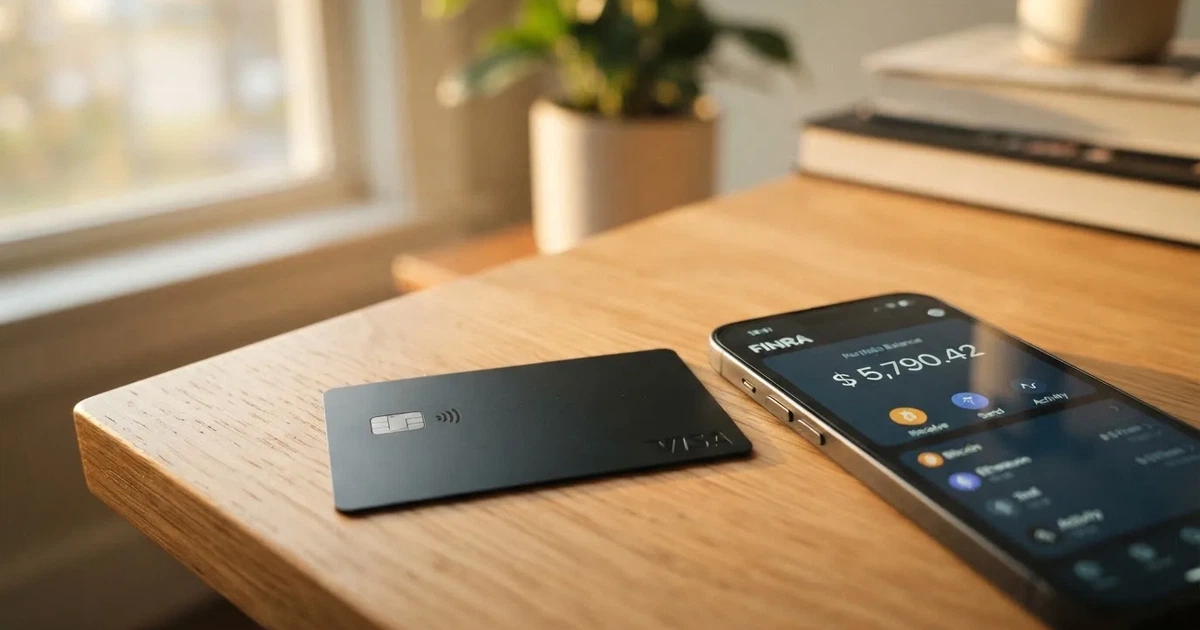
ExCards is a virtual card service. You keep a balance in USDT, you spend it like an ordinary Visa or Mastercard online, and the money comes off that stored balance rather than from a bank account. There is no monthly fee and no ATM. What there is, instead, is a one-off card price between $29 and $50, a top-up fee of 2% or 3.5%, a $0.50 authorisation charge on most authorisations, and a currency markup of up to 2% when you pay a merchant that does not take dollars. The useful question is not whether this is cheap — for small, frequent online payments out of a stablecoin balance it is competitive — but whether you are willing to hold the balance with a provider that does not name its issuer, its licences or its legal entity.
Conditions are current as of October 28, 2026.
I scored it 5.9 out of 10. That is a mid-table number, and it is not a hedge. The service is genuinely strong on the two things that make or break a crypto card: where you can use it and how you fund it. It is weak on the third thing, which is whether you can find out who is standing behind it. Details are current as of 2026-10-20.
The audience the service seems built for is straightforward: online spenders paying subscriptions and advertising bills out of a USDT balance, in countries where a normal bank card is awkward to get or to use. If that is you, the mechanics work and the fee structure is at least written down. If you need a physical card, cash, or a bank you can name in a dispute, this is the wrong product.
| Criterion | Mark | Why |
|---|---|---|
| Who can get it | 9 / 10 | Excluded places are listed; eligibility runs on country of residence, not citizenship, and the residence rule is stated plainly |
| Cost | 3 / 10 | $29–$50 once, plus a 10 USDT first top-up, 2% or 3.5% to load, $0.50 per authorisation, up to 2% FX markup; no monthly fee |
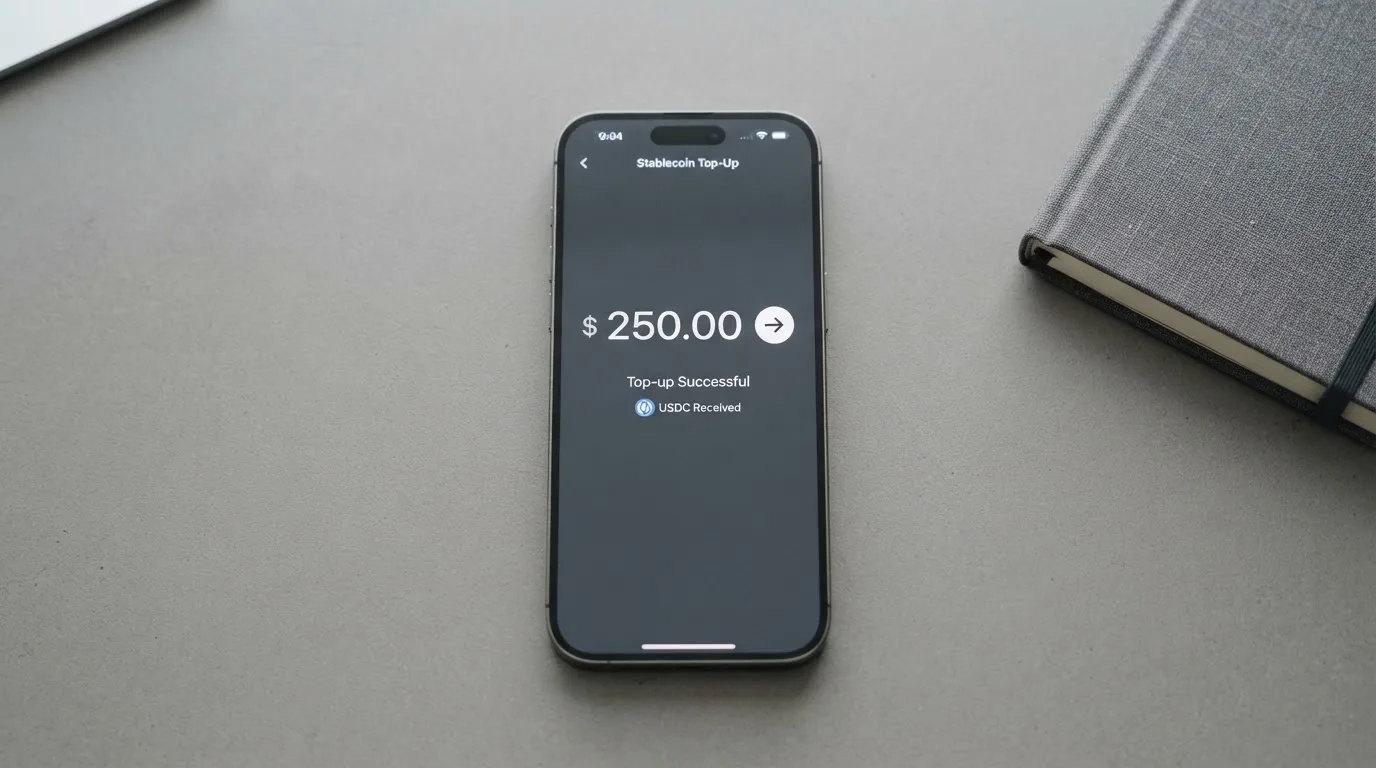
| Top-up options | 9 / 10 | USDT across ERC-20, TRC-20, BEP-20, Bitcoin, Polygon, Arbitrum, Optimism, Avalanche; BTC, ETH and SOL convert in |
| Reliability and complaints | 4 / 10 | No legal entity or registration country published, no issuer or licence named, custodial balance, terms marked as a placeholder, no reviews found at all |
| Everyday use | 5 / 10 | Three virtual cards in under 10 minutes and Apple Pay and Google Pay everywhere; no ATM, and the plastic Visa E-commerce is pre-order only |
| Total | 5.9 / 10 | Strong reach and funding, thin on disclosure |
Will they give you the card?
Yes for a wide range of countries, because the page that lists eligibility lists only the places you cannot use it. There is no supported-country list. That is unusual and, in fairness, it cuts both ways: it means you are not hunting through a table of jurisdictions looking for your own, and it means nobody has publicly committed to serving you either.
The exclusions, as the card states them, are: North Korea, Iran, Syria, Cuba; Crimea, Donetsk, Luhansk, Zaporizhzhia and Kherson “where applicable”; “Russia (depending on transaction context and issuer policy)”; “Belarus (for sanctioned persons)”; and Myanmar and Sudan.
Two things to sit with in that list. “Russia (depending on transaction context and issuer policy)” is not a yes or a no — it hands the decision to an unnamed issuer’s internal policy, which you cannot read and which can change. And “Belarus (for sanctioned persons)” is a carve-out for individuals rather than a country block, so it tells you screening happens at person level, not just country level.
The eligibility rule itself is about where you live. The card’s own words: “You must accurately disclose your country of residence at issuance”. Not citizenship — residence. If you move, you have to report it within 30 days. And if you disclosed something untrue, the card says that can lead to retroactive card closure, which I read as: the card can be closed after the fact, not just refused at the door.
So the question you should ask is not “is my nationality allowed” but “is where I live allowed, and will my address stay the same”. The card’s eligibility runs on your country of residence, not your citizenship, and the rule is stated clearly: you must accurately disclose your residence, and you must report any change within 30 days. If you provide false information, the card can be closed. If you live in an excluded jurisdiction, you cannot get the card, regardless of your citizenship.
How to get it
The card calls its check “light KYC”, and the description is accurate rather than flattering: a clear scan of the photo page of a government-issued passport. No selfie. No video. No liveness check. No proof of address mentioned. Age is “18+ in most countries”, with the legal age in your jurisdiction as the real limit.
That is a short list, and it is short in both directions. If you hold a passport and nothing is wrong with it, you are a good fit for a two-minute process. If your name on the passport does not match the name you will want on the card account, or if you have no passport at all, this is not the card to spend time on.
The steps as described: sign up at app.excards.io or through the @ex_cards_bot Telegram mini-app, upload the passport, and an issuer partner checks its authenticity and screens against sanctions and politically exposed person lists. The card states issuance happens “within 10 minutes after a successful check”.
After the check, the balance is denominated in USDT and USD, and you choose one of three virtual cards: Visa Universe, Visa E-commerce, or Mastercard Business. There is no physical card in the normal sense. A physical Visa E-commerce exists, but only as a pre-order, with no shipping date and no shipping cost stated, and it requires the 10 USDT mandatory first top-up before it can even be ordered. A virtual card replacement costs the card price again — $29, $35 or $50 — if the card is lost, leaked or expired.
The KYC level is single, not tiered. There is one set of checks, and everyone gets the same limits regardless of how long you have been a customer. Data is refreshed at card expiry, on a change of residence, on suspicious activity, or by default every 24 months. The stated reasons for rejection are documents that are false or altered, which is a permanent block, a sanctions or PEP hit, failed checks, and cases where issuing the card would breach law or issuer policy. The card also reserves the right to refuse without giving a reason at all.
That last clause is worth noticing, because it is the same clause that keeps showing up in this section and the next: things are delegated to an issuer you are not told the name of.
Fees: what it really costs
There is no monthly fee. There is no maintenance charge and no inactivity charge. That is genuinely better than most cards in this category, and it means the entire cost of the card sits in one place: the price you pay to load it, and what the merchant’s side of the payment triggers.
| Fee or limit | Value |
|---|---|
| Card issuance, one-time | Visa Universe $29, Visa E-commerce $35, Mastercard Business $50, paid in USDT, non-refundable |
| Mandatory first top-up | 10 USDT, credited to the balance |
| Monthly fee | None — no maintenance or inactivity fee |
| Top-up fee | 2% on Universe; 3.5% on E-commerce and Business |
| Authorisation fee | $0.50 flat on Universe and Business; on E-commerce $0.10 under $1.00, free at $1.00 and above, plus $0.03 per 3-D Secure authentication, plus $0.80 if the decline rate exceeds 10% in a rolling window |
| FX | Issuer reference rate with a markup of up to 2% over the interbank rate for non-USD merchants |
| Non-USDT coin conversion | At network rate; no fee stated |
| ATM | Not available — all cards are virtual |
| Limits, Visa Universe | $1,000,000 per transaction, $3,000,000 per day, $3,000,000 per month |
| Limits, Visa E-commerce | $20,000 per transaction, no daily or monthly limit stated |
| Limits, Mastercard Business | $250,000 per transaction, $500,000 per day, $1,000,000 per month |
Three everyday payments, worked through, so the percentages land somewhere real.
A €12 subscription, paid on Visa Universe. The $0.50 authorisation fee applies. Then the amount is converted from dollars to euros at the issuer’s reference rate plus up to a 2% markup. You have paid a combination of the authorisation fee and the currency markup before you have loaded anything. Note the $0.50 authorisation charge: it is described as an authorisation fee, and a declined transaction’s funds return to your balance automatically, but the fee treatment on declines is not something the public pages spell out.
$40 of advertising spend on Visa E-commerce, paid in dollars. No currency markup, because the merchant takes dollars. The authorisation fee is free at $1.00 and above, so nothing there. Each 3-D Secure authentication adds $0.03 — several of those across a billing cycle and it is no longer trivial. The card can also add $0.80 if the decline rate on your card exceeds 10% in a rolling window, which is a penalty for a pattern of failed payments rather than for anything you did wrong, and it is worth knowing about before you get there rather than after.
A $300 purchase on Mastercard Business. Authorisation fee $0.50 flat. Dollars, no markup. And then the one that costs real money either way: loading the $300. At 3.5% that is $10.50, so $300 arrives as $289.50. Every time you reload, the fee is taken from the top of the transfer, not from somewhere else.
The structural point is this. The $0.50 and the 2% are small; the top-up fee is the one that scales with your money and the one you pay most often, because a balance-based card runs out. If you top up once a month for subscriptions, the 3.5% fee is a regular cost you pay on every top-up. If you top up once with six months’ worth, you pay 3.5% once. The card gives you no automatic top-up that I could find, so batching is entirely on you — which is fine if you remember, and a problem if you forget.
One more line in the fee table that deserves reading twice: non-USDT coins are converted to USDT at network rate. There is no fee stated for that conversion, but you are still exposed to whatever the coin does over the hours between the transfer and the conversion. If you load with SOL and SOL moves significantly in that window, your balance moves too, with no compensation mentioned anywhere in the terms.
How to top it up
The balance is in USDT, and this is where the card is at its most generous. The listed networks are ERC-20, TRC-20, BEP-20, Bitcoin, Polygon, Arbitrum, Optimism and Avalanche — and the card adds in parentheses that “these networks are just examples, we accept others too”.
That breadth is real practical value. USDT on Tron costs almost nothing to send and arrives fast; the same token on Ethereum can cost more than the amount you are moving. Being able to choose TRC-20 or Polygon instead of defaulting to the expensive chain is worth more than any single feature on this list. And if you hold BTC, ETH or SOL rather than USDT, those are converted to USDT at network rate first, so you do not need to hold the stablecoin in advance.
The minimum first top-up is 10 USDT, and the card’s own example is worth reading because it shows the fee mechanics clearly: 100 USDT at 3.5% credits 96.50 USDT to the balance. The blockchain network fee for your transfer goes to the network, not to ExCards. Transfers between your own cards are 0%. Fiat top-up is not mentioned anywhere.
What is not described is a way to withdraw the balance. There is no withdrawal method on the public pages — no bank transfer out, no crypto out, nothing. What is stated is that the mandatory 10 USDT remains spendable, and that prohibited use of the card leads to card closure without refund.
I want to be precise about that, because it is easy to overstate. It is not written that you cannot withdraw; it is written that no withdrawal route is described. For a card aimed at people who cannot easily get a bank account, that is a significant gap to sit with before you commit money, and it is one of the first things worth asking in the support chat, which answers within minutes according to the card.
Two operational warnings that belong in this section rather than a later one. Blockchain transfers are irreversible: send on a network the provider does not support, or to an address belonging to a different network, and the funds can be lost or need manual support recovery with no guarantee. And the network fee has to be paid in the chain’s own token — a wallet holding USDT with no ETH cannot send on Ethereum at all. If you are topping up from an exchange, check what the exchange will actually let you withdraw.
Paying with it every day
Everyday use is where this card is at its most ordinary, which is a compliment. Apple Pay and Google Pay work on all three cards. That matters more than it sounds: adding a virtual card to a phone wallet replaces the card number with a device-specific token stored in the phone’s secure hardware, so the merchant never sees your card number and each payment carries a fresh one-time code. It is the most ordinary way to pay with this card and the one with the least friction.
There is no App Store or Google Play app stated. The service is the web dashboard at app.excards.io and a Telegram mini-app. So your day-to-day control of the card is a browser tab and a Telegram chat — which is a real consideration if you are the kind of person who wants to freeze a card from a lock screen, because no freeze feature is described anywhere.
On rewards, there is nothing. No cashback is mentioned. The only programme is a referral scheme: 20% of each card issued plus 0.05% of top-ups at the Bronze level, rising to 40% plus 0.20% at Platinum, and 10% off a first card with a code. If you were hoping for money back on everyday spending, this card does not offer it, and the referral percentages are about recruiting, not about spending.
Blocked categories are named in general terms rather than by code: using the card for illegal goods or services, terrorism financing, money laundering, and sanctioned-country transactions. No merchant-category list is published. In practice this means you cannot check in advance whether a given category is blocked on your specific card — and merchants can decline prepaid and foreign-issued cards for reasons that have nothing to do with you, because a merchant can look up the BIN and see the issuing institution and country. That is why a card issued in one country can look foreign to a shop in another, and it is why a $50 card may fail somewhere a $5 card would pass.
Here is the honest test of the daily experience. Online subscriptions and advertising platforms: good, this is what the card is for. Everyday shops and restaurants: workable through Apple Pay, with the caveat above. Cash: not possible. Physical card in hand: only as a pre-order, with no shipping date published.
If a payment is declined, the funds return to the card balance automatically. The card price, top-up fees and authorisation fees are non-refundable. And here is the sentence I would want you to read twice before choosing: no dispute or chargeback process is published, and ExCards states it is “not liable for declined transactions, FX losses, network downtime, or merchant rejections”.
That is a narrow liability clause and it covers most of the things that actually go wrong. If a merchant takes your money and delivers nothing, there is no published route to get it back. If the network is down at the moment you pay, that is not the card’s problem. If the issuer’s rate moves against you between the authorisation and the settlement, that is not the card’s problem either. Given that the issuer is unnamed, there is also no named institution to take the claim to. For payments of $20 a month that trade-off is obviously fine. For anything where a failed charge would cost you real money, it is not.
What can go wrong
Start with the finding that shaped my score most, because it is unusual and it is verifiable by absence. I searched for reviews and found none. No Trustpilot page exists. Nothing about excards.io turned up on review sites. No official incident has been published.
Absence of reviews is not evidence of anything bad. It is also not evidence of anything good, and on a card that holds a custodial balance, “nobody has written about this yet” is not a comfort. Either the service is very new or very small, or people are not discussing it publicly, and none of those three possibilities tells you what you actually want to know: whether the issuer is solvent today.
Which brings me to the company itself. The brand is “ExCards” (© 2026). No legal entity and no country of registration are published. The cards are “issued by a third-party card issuer partner” and held by “licensed BIN sponsors”, but neither the issuer nor any licence is named. The balance is custodial — held with the card issuer partner, meaning the provider holds the credentials and you must trust them completely.
To be clear about what that means rather than what it feels like: your money is not in a wallet you control. It is an entry in someone else’s balance, and if that someone has problems, you are a creditor with no published route to recovery and no named entity to sue. Custody is the standard model for this whole category, and plenty of legitimate providers use it — but they publish who the custodian is and where they are licensed. ExCards publishes neither.
The paperwork matches. The Terms of Service page says it was last updated 17 May 2026 and describes itself as a placeholder, with the final version due in May–June 2026. Fee changes are announced in-app at least 30 days ahead, which is a fair commitment. But a placeholder terms page is not a document you can check your rights against, and I found no dated licence or issuer events at all.
On the positive side, the security posture is not careless. TLS 1.3, 3-D Secure 2.0 on all authorisations, suspicious activity auto-declined. What is missing from that list is a freeze feature and any safeguarding statement — and a safeguarding statement matters, because e-money providers in the EU are generally required to hold customer funds in segregated accounts or insure them, and provider promises of safety are not the same thing as a legal safeguarding duty. ExCards does not publish one.
Support is 24/7, through in-app chat answering within minutes, and a Telegram bot at t.me/excards_bot. The interface is in English, Russian, Spanish and Ukrainian — a genuinely wide language range for a service with no reviews, and a reasonable signal about who it is trying to reach.
What to take instead
I want to be careful here. Every card in this comparison has the same basic weakness: a crypto balance card is a custodial product sold by a company you have to trust, and the three alternatives here are not better on that axis. They are better or worse on specific, checkable things.
| ExCards | Cardex | TakeCard | OkiCard | |
|---|---|---|---|---|
| Score | 5.9 / 10 | 5.6 / 10 | 5.5 / 10 | 6.0 / 10 |
| Cards | 3 virtual, Visa and Mastercard | Virtual and physical, VERVE, Visa, Mastercard, UnionPay | Virtual; physical Bolivia only; Visa; issued in the US | Virtual (physical mentioned, no details); Visa/Mastercard unspecified |
| Card price | $29 / $35 / $50 | Not stated | $5 virtual, $20 physical plus $20 shipping | $0 or $15 — pages disagree |
| Monthly fee | None | Not stated | None stated | $0 |
| Load fee | 2% or 3.5% | No percentage stated | Not stated | 3% |
| Spending fee | $0.50 authorisation, up to 2% FX | Conversion at payment, no percentage stated | 1% per purchase | 0% in USD |
| Top-up | USDT on 8 listed networks | USDT, USDC, BTC wallets; networks not stated | From the Takenos balance; coins not named | USDT on BSC, Ethereum, Tron, Solana; USDC, BTC, altcoins “coming soon” |
| Country reach | Exclusion list only, residence-based | “200+ countries”; App Store listing is Naira-focused | Physical Bolivia only; starting data not confirmed | “150+ countries” or “200+” depending on the page |
| Cashback | None mentioned | None mentioned | None mentioned | None mentioned |
Read that table as “what can I verify”, not “who is best”. Two of the entries are thin precisely because the providers publish less than ExCards does: Cardex states no fee percentage anywhere I could read, and its App Store listing is built around paying in naira, which tells you more about its real market than its “200+ countries” tagline does. TakeCard publishes the cleanest fee structure of the three — 1% per purchase, US dollar payments at 1:1 — but its physical card is Bolivia-only and even its own help centre contradicts itself, with one article saying $20 for a Bolivian physical card and another saying $10. Contradicting pages are a worse signal than sparse ones.
OkiCard is the closest competitor and scores slightly higher at 6.0. Its case is free issuance and no monthly fee, a 3% load fee, 0% transaction fee in dollars, and USDT on four major chains. Its price pages contradict each other — $0 issuance on the pricing page, a $15 starting price for the virtual card, and a separate one-time issuance fee in the FAQ — and it requires a 100 USDT initial deposit rather than 10. If the deciding factor for you is a 0% dollar transaction fee and a lower deposit, OkiCard is worth a look. If the deciding factor is knowing where you are spending in more of the world, ExCards’s eight listed networks and its residence-based eligibility rule are both stronger.
And the honest comparison is not only against other crypto cards. If your problem is that you cannot get a bank card, the alternatives that are not cards — a stored-value account from a regulated e-money institution, a remittance service, or a mainstream bank’s virtual card where you have a relationship — may be duller and safer than any of the four above. I would not pretend a crypto card is the only way to spend USDT online; it is one route among several, and the one with the least published information about who holds your money.
Who I would recommend it to
I would recommend ExCards to someone who has a USDT balance already, pays a fixed set of online bills from it, lives somewhere on the allowed list and is confident their address is not going to change, and who reads the missing issuer information as a cost they have priced in rather than overlooked. That person gets three working virtual cards in under 10 minutes, Apple Pay and Google Pay on all of them, eight networks to load from, no monthly fee, and limits high enough ($1,000,000 per transaction on Universe) that they will never be the binding constraint. For subscriptions and advertising spend, that is a good product doing its job.
I would not recommend it to someone whose money is in BTC or ETH rather than USDT and who plans to load often; I would not recommend it to someone who needs cash, a physical card in hand, or a payment they can dispute if it goes wrong; and I would recommend against it outright for anyone treating it as a place to keep a balance for more than a short period, given that no withdrawal route is described and the custodian is not named.
If you do open an account, put in the minimum the card asks for — 10 USDT plus one card price — and treat the balance as a spending float rather than as savings. Use TRC-20 or Polygon rather than Ethereum if your exchange offers the choice, and load in batches rather than monthly, because the 3.5% is the fee that actually costs you money.
The single question I would ask in the support chat before anything else, given the 24/7 in-app chat and the stated minutes-level response, is who the issuing partner is and which licence they hold. Everything else on this page I could check. That one I could not, and on a custodial card it is the one that decides whether your balance is an entry in a functioning business or a claim against an unknown one.
Frequently asked questions
What is the ExCards card?
ExCards is a virtual card service rather than a bank account. You hold a balance in USDT, and three virtual cards — Visa Universe, Visa E-commerce and Mastercard Business — spend from it. There is no monthly fee, no physical card except a pre-order, and no ATM. The money sits with the card’s issuing partner, not with you.
How does ExCards card work?
You sign up at app.excards.io or the Telegram mini-app, upload the photo page of a government-issued passport, and an issuer partner screens it against sanctions and PEP lists. A card is issued within under 10 minutes of a successful check. When you pay, the amount comes off your stored balance, with a $0.50 authorisation fee on two of the three cards.
Is ExCards a bank?
No, and it does not present itself as one. No legal entity or registration country is published on its public pages. The cards are described as issued by a third-party card issuer partner and held by licensed BIN sponsors, but neither the issuer nor any licence is named, which is the gap to weigh before depositing.
Who owns ExCards?
On the public pages, nobody identifiable. The brand ExCards carries a 2026 copyright and nothing more. There is no owning company named, no registration country stated, and no issuer identified. I found no reviews on any review site and no Trustpilot page, so there is also no public record to cross-check the brand against.
Is ExCards card available in my country?
Eligibility runs on where you live, not your citizenship, and the page lists only excluded places: North Korea, Iran, Syria, Cuba, several Ukrainian regions, Russia depending on transaction context and issuer policy, Belarus for sanctioned persons, Myanmar and Sudan. There is no supported-country list, so you have to check your residence against that exclusion list yourself.
Does the ExCards card require KYC?
Yes, and the card calls it light KYC. It asks for a clear scan of the photo page of a government-issued passport — no selfie, no video, no liveness check and no proof of address is mentioned. Age is 18+ in most countries. Data is refreshed at expiry, on a change of address, on suspicious activity, or every 24 months by default.
How much does ExCards cost to hold and use?
The card price is $29 for Visa Universe, $35 for Visa E-commerce and $50 for Mastercard Business, paid in USDT and non-refundable, plus a mandatory first top-up of 10 USDT. There is no monthly fee. Top-ups cost 2% or 3.5%, authorisations $0.50 on some cards, and currency conversion a markup of up to 2%.
How do I top up the ExCards card?
You send USDT, over ERC-20, TRC-20, BEP-20, Bitcoin, Polygon, Arbitrum, Optimism or Avalanche, with other networks also accepted. BTC, ETH and SOL are converted to USDT at network rate first. The minimum first top-up is 10 USDT, a 100 USDT load at 3.5% credits 96.50 USDT, and the blockchain network fee goes to the network rather than to ExCards.
Is ExCards card safe?
That depends on what you mean. The technical controls are reasonable — TLS 1.3, 3-D Secure 2.0 on every authorisation, suspicious activity auto-declined. But the balance is custodial with an unnamed partner, there is no safeguarding statement, no freeze feature is described, and the Terms of Service page describes itself as a placeholder with the final version due in May–June 2026. Verify before depositing more than you can afford to lose.
Can I withdraw money from an ExCards card?
No withdrawal method is described on the public pages. What is stated is that the mandatory 10 USDT stays spendable, and that prohibited use leads to card closure without refund. That absence matters more than it might seem, so ask the 24/7 in-app chat — which the card says answers within minutes — before you load anything you would want back.
Virtual card options – cryptocardoptions.com
Content created by the «cryptocardoptions.com» team